Lenovo Dual Mode Mouse Bluetooth Wireless Type-C Charging Silent Ultra-Slim Portable For Tablets Laptops Home Office Gaming Use
Lenovo Dual Mode Mouse Bluetooth Wireless Type-C Charging Silent Ultra-Slim Portable For Tablets Laptops Home Office Gaming Use
Couldn't load pickup availability
SPECIFICATIONS
Battery Included: Yes
Brand Name: Lenovo
Certification: CE
Choice: yes
DPI: 2400
Feture 1: For laptop, desktop,office use
Feture 2: silent mouse,noiseless mouse
Feture 3: mini mouse,laptop accessories
Feture 4: computer mouse,wireless mouse computer
Feture 5: mouse gamer
Feture 6: mouse gaming
Hand Orientation: Right
High-concerned chemical: None
Interface Type: PS/2
Number of Buttons: 2
Number of Rollers: 1 pcs
Operation Mode: Opto-electronic
Origin: Mainland China
Package: Yes
Power Source: Rechargeable
Power Type: Rechargeable
Style: Finger
Type: 2.4Ghz Wireless
semi_Choice: yes
Lenovo Dual Mode Mouse Bluetooth Wireless Type-C Charging Silent Ultra-Slim Portable For Tablets Laptops Home Office Gaming Use
Product Parameters:
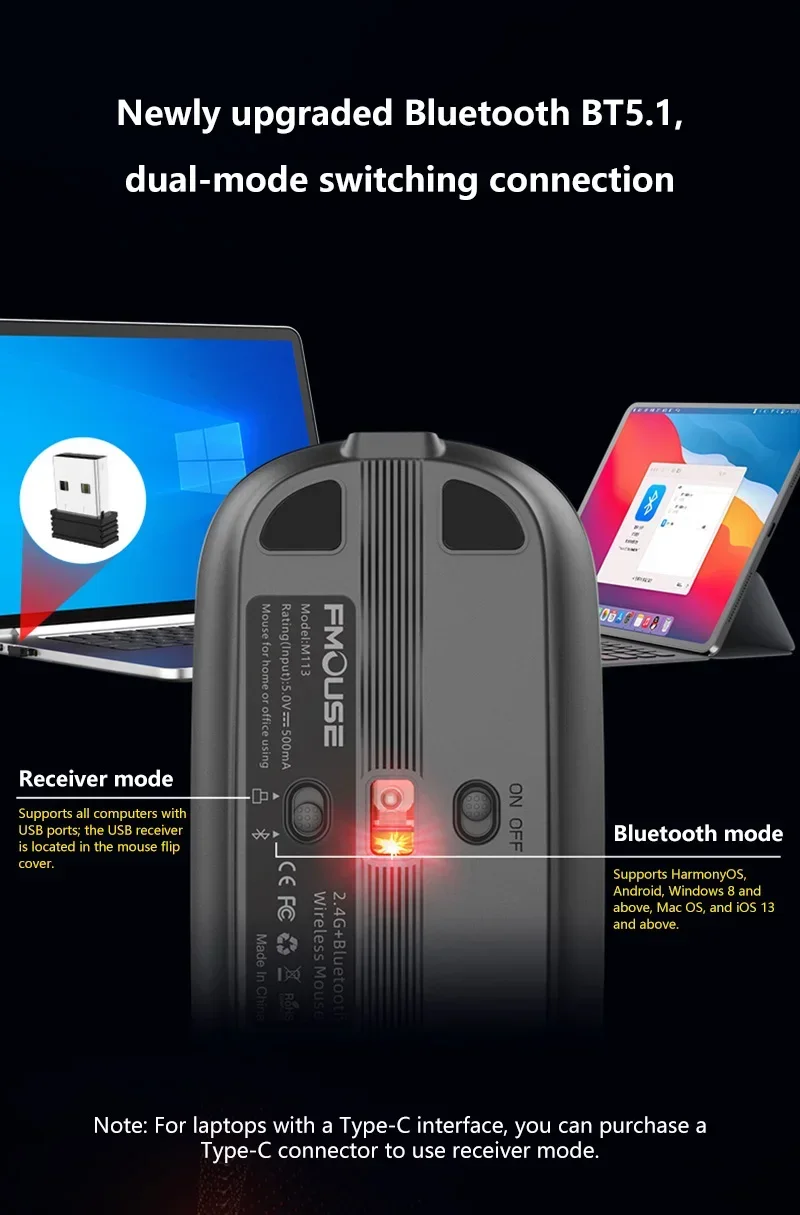
Working mode: 2.4G+BT5.1
Rate of return: 125HZ
Moving speed: 30inch/s
Refresh rate: 4800 frames/second
Acceleration: 10G
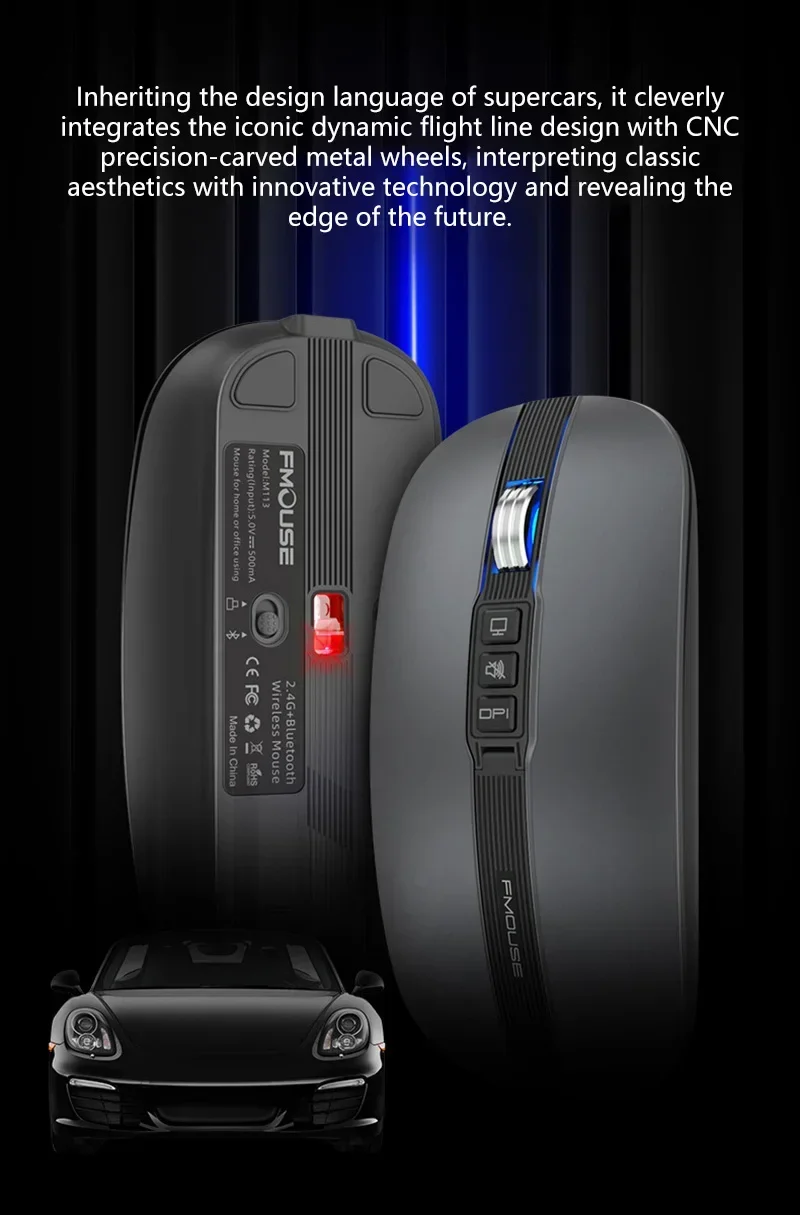
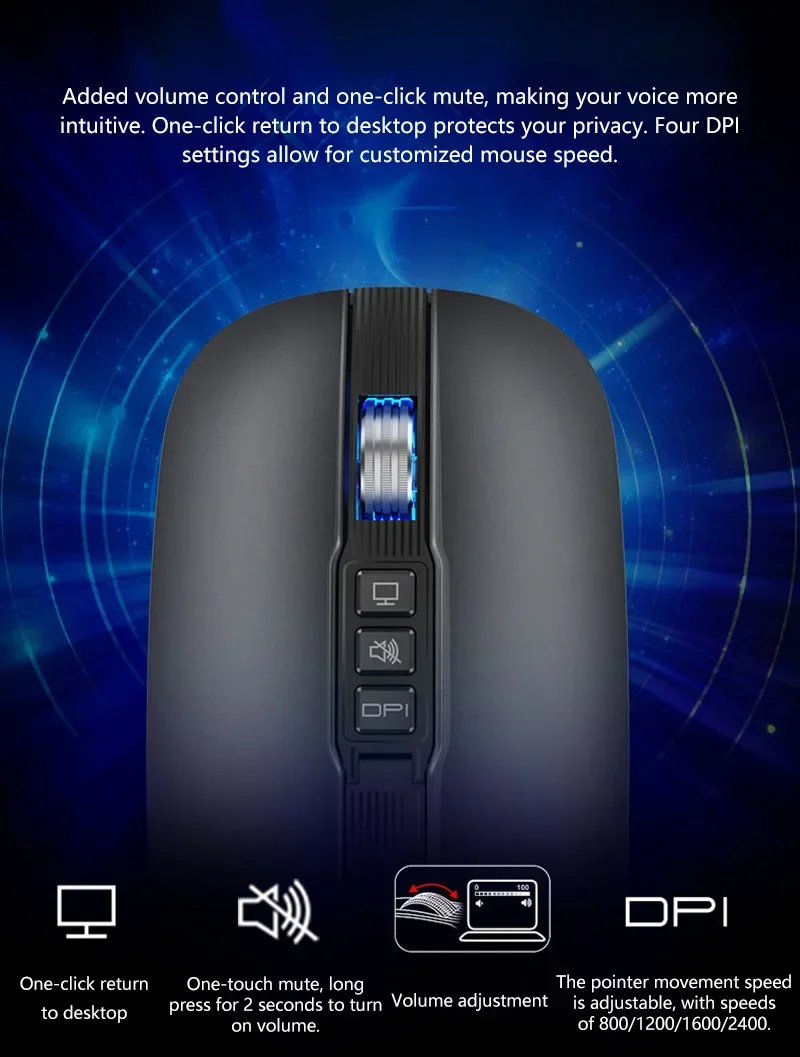
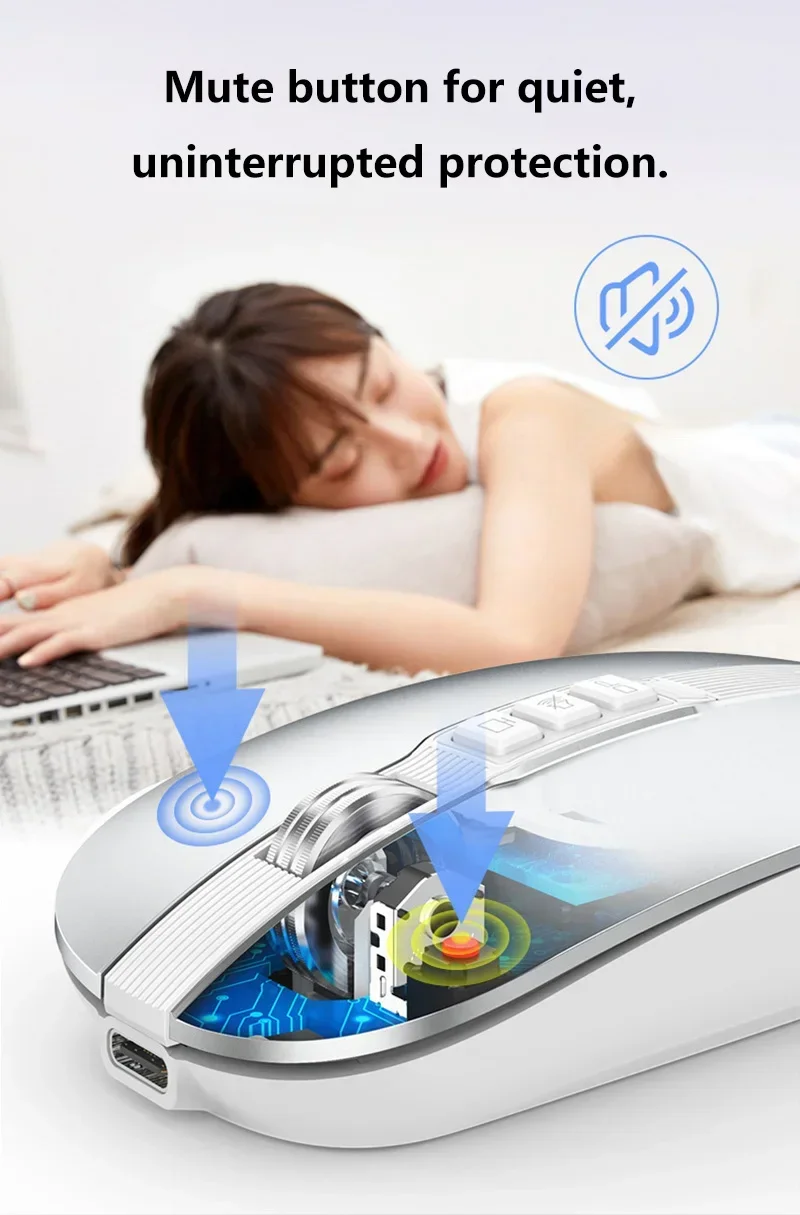
Number of switches: 6 Keys (mute design)
Switch life: 10 million times
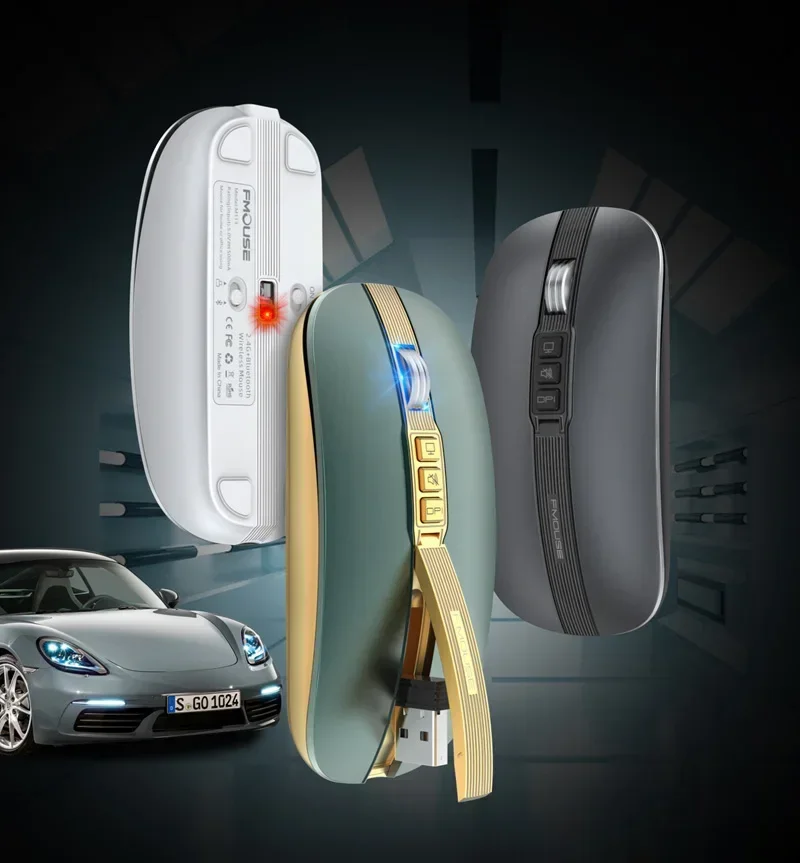
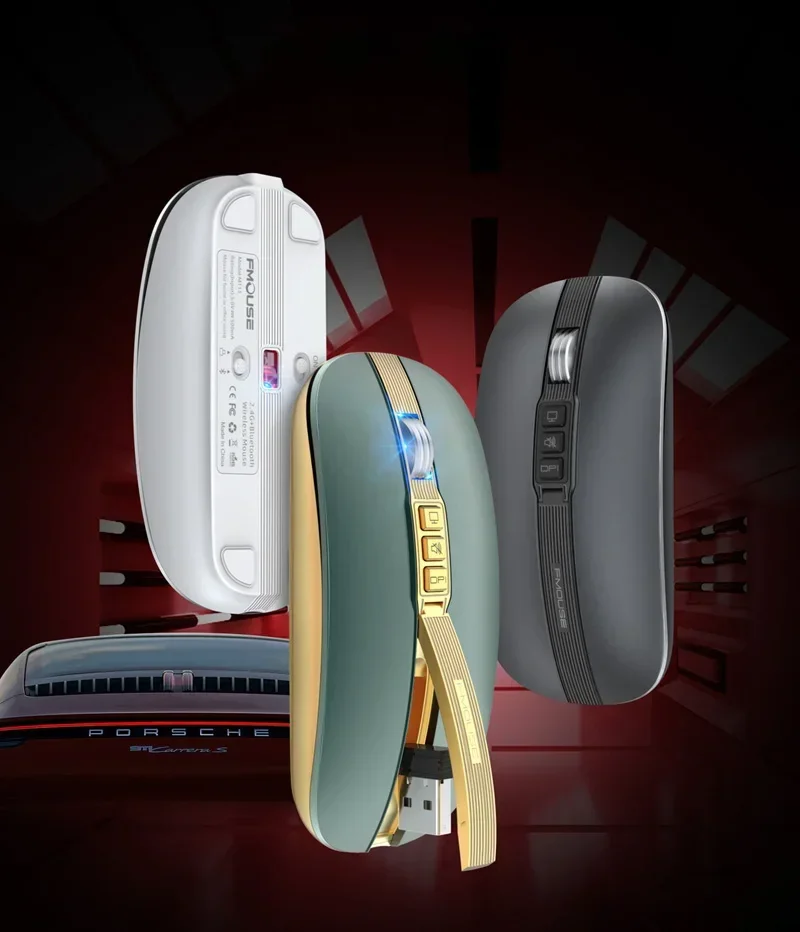
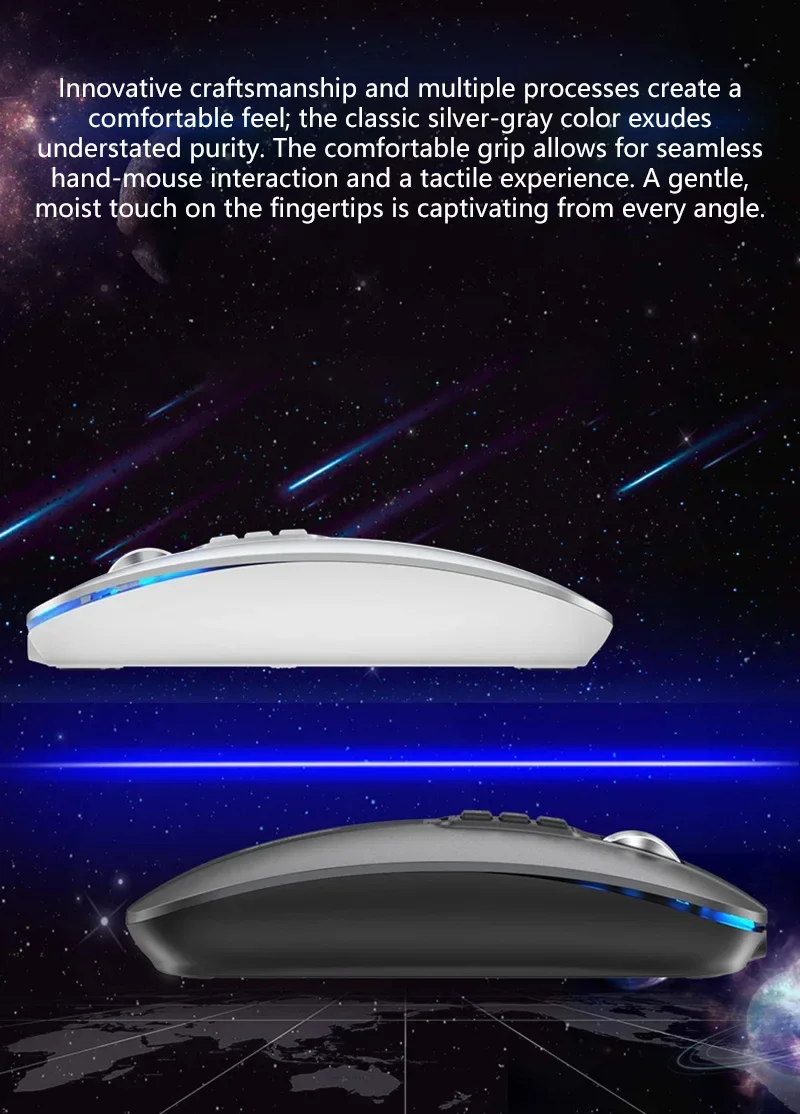
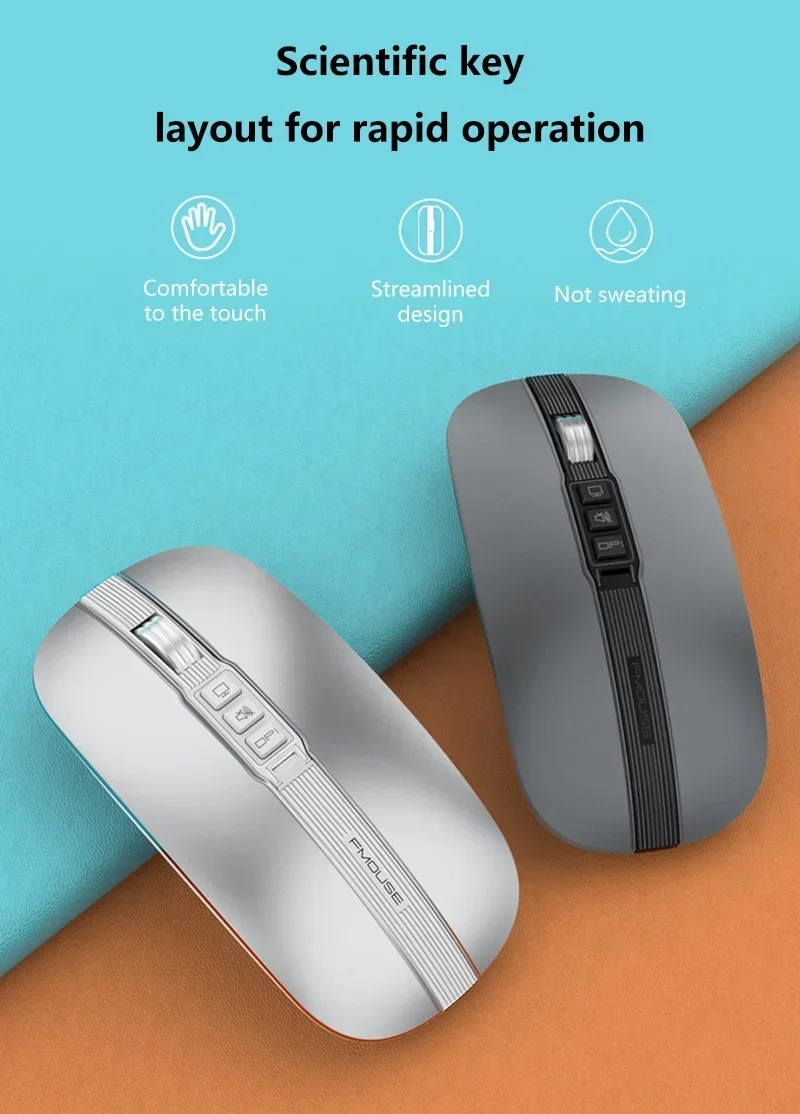
Product material: ABS material+metal roller
Voltage/current:3.7V/30mA
Battery capacity: 400mAH
Working range: 10m
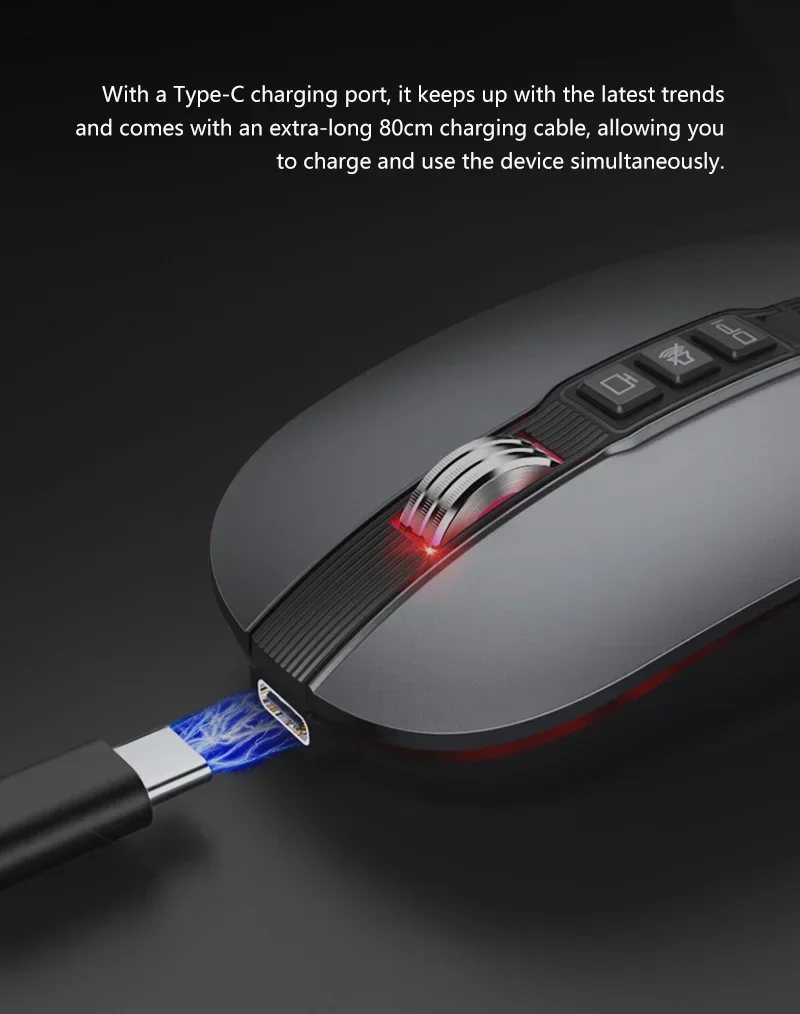
Length of charging line: 80cm (Type-c charging line)
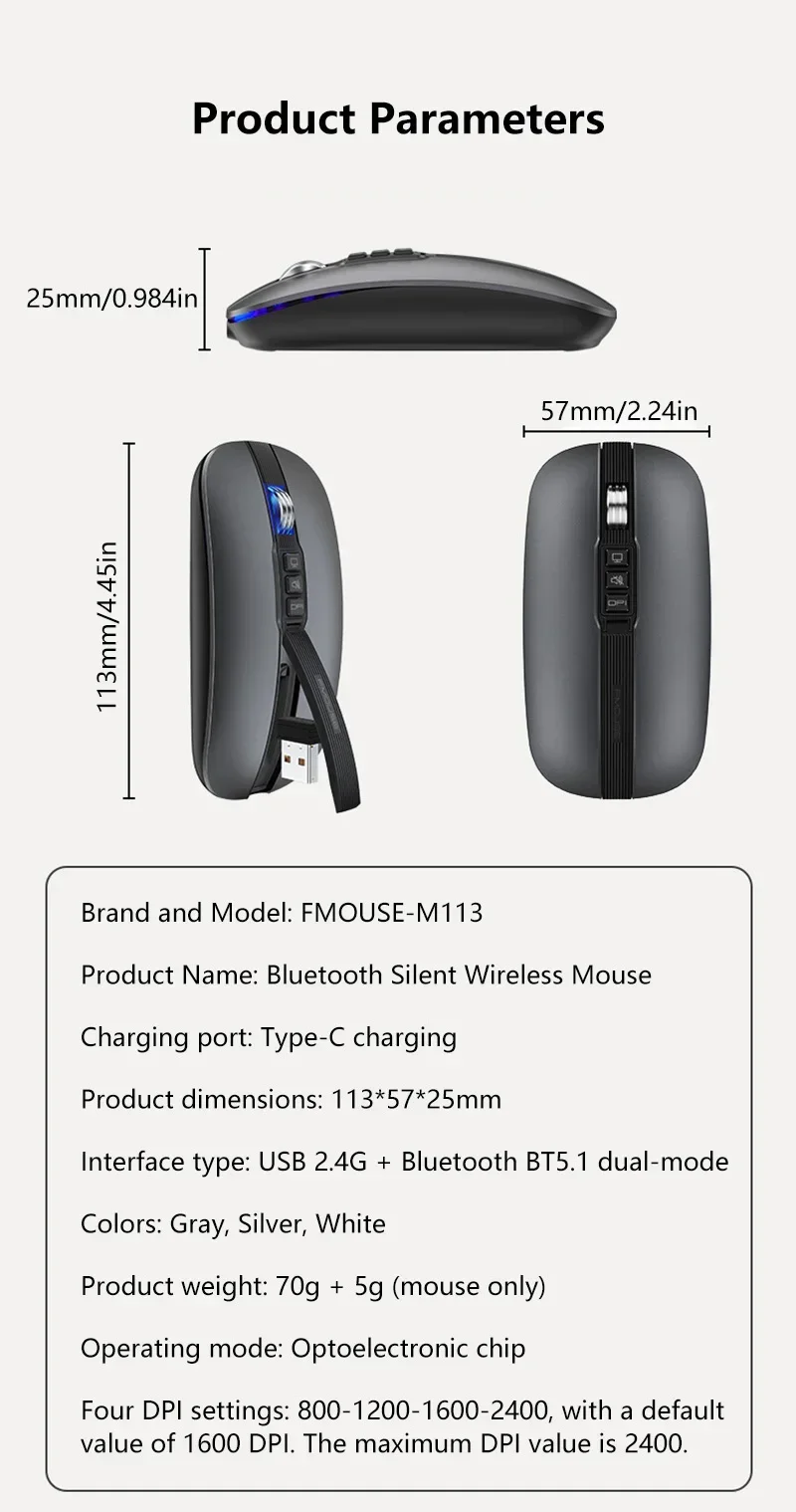
DPI: 800/1200/1600/2400 Adjustable
DPI Key: Press for 2 seconds to turn off or turn on the light
Support: One button mute (quickly mute the computer)
Support: One click desktop (quick return to desktop)
Product size: 11.3x5.7x2.5cm
Product weight: 68g
Package size: 11.6x7.7x3.1cm
Package weight: 116g
Suitable system:
The 2.4G usb version support Windows /Mac ,
The Bluetooth version support Windows /Mac /ios / android.
Notes on charging mode:
It is recommended to use the computer USB interface to charge the mouse. The red light at the wheel is always on when charging, and the red light is off when fully charged, about 1-2 hours.
Package includes:
1 x Wireless Mouse(2.4G+BT5.1)
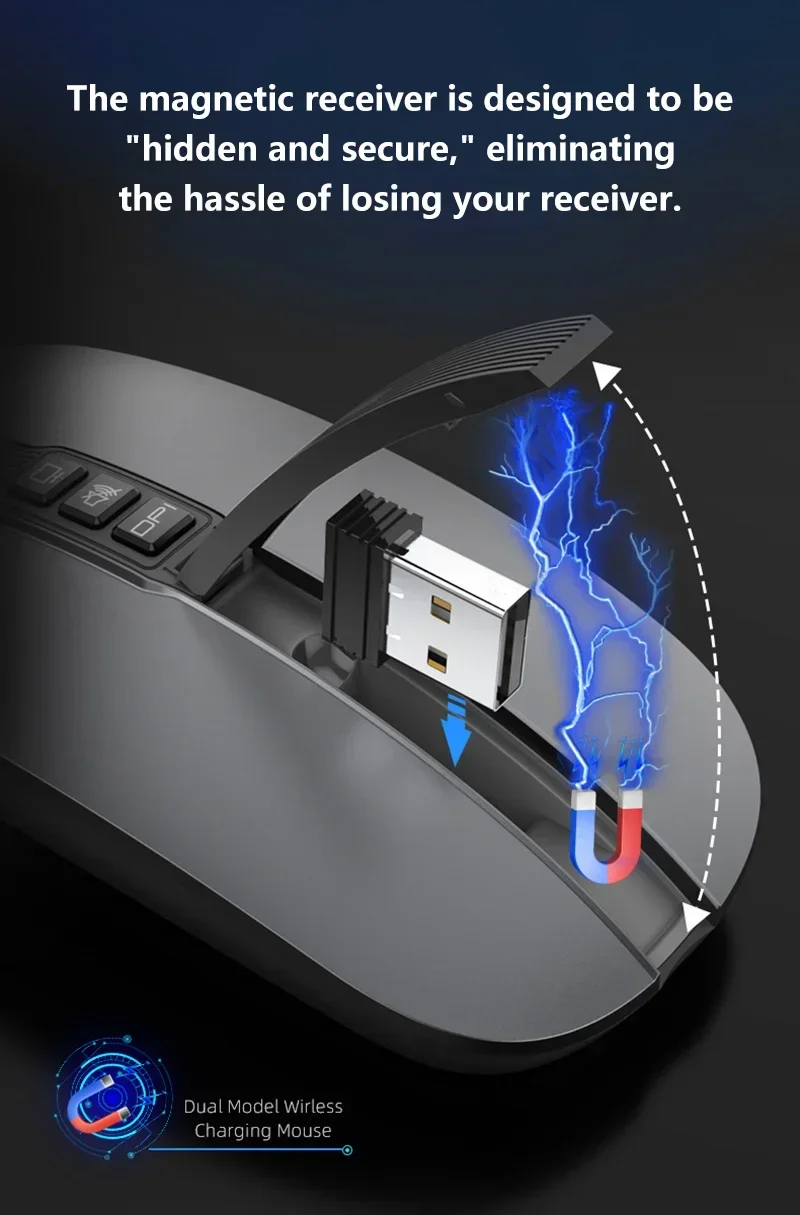
1 x USB Receiver
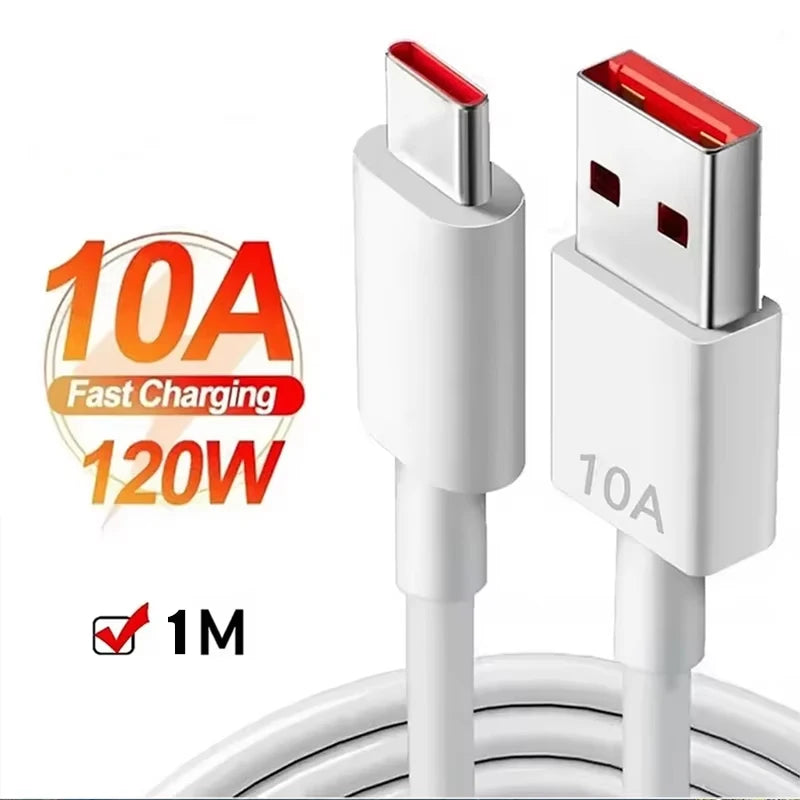
1 x Charging cable(80cm Type-c)
1 x Instructions in Englis
USB connection:
Step 1: Insert the receiver into the USB port of the computer
Step 2: Push the power switch at the bottom of the mouse to 2.4G mode, and the power indicator at the bottom of the mouse changes Green and flashing
Step 3: Move the mouse or press the left and right buttons to use it normall
Bluetooth connection:
Step 1: Turn the power switch at the bottom of the mouse to the Bluetooth mode, and the indicator will turn blue and flash
Step 2: Open the tablet/computer/mobile phone, click the "Bluetooth" interface in the setting menu,Connect the paired mouse (BT5.1 Mouse)
Step 3: Move the mouse or press the left and right buttons to use it normally.
Instructions and precautions:
1. When the mouse cursor moves slowly, please check whether the battery is low. It is recommended to charge it in time.
2. When the mouse cannot be connected, please check whether the power switch at the bottom of the mouse is turned on, and select the correct connection method or move the USB receiver to another USB port for use.
3. If you do not use the mouse for a long time, turn off the power switch manually to save power.
4. If the mouse is not used for a long time, it will automatically enter the sleep mode. Move the mouse or press any key to wake the mouse.