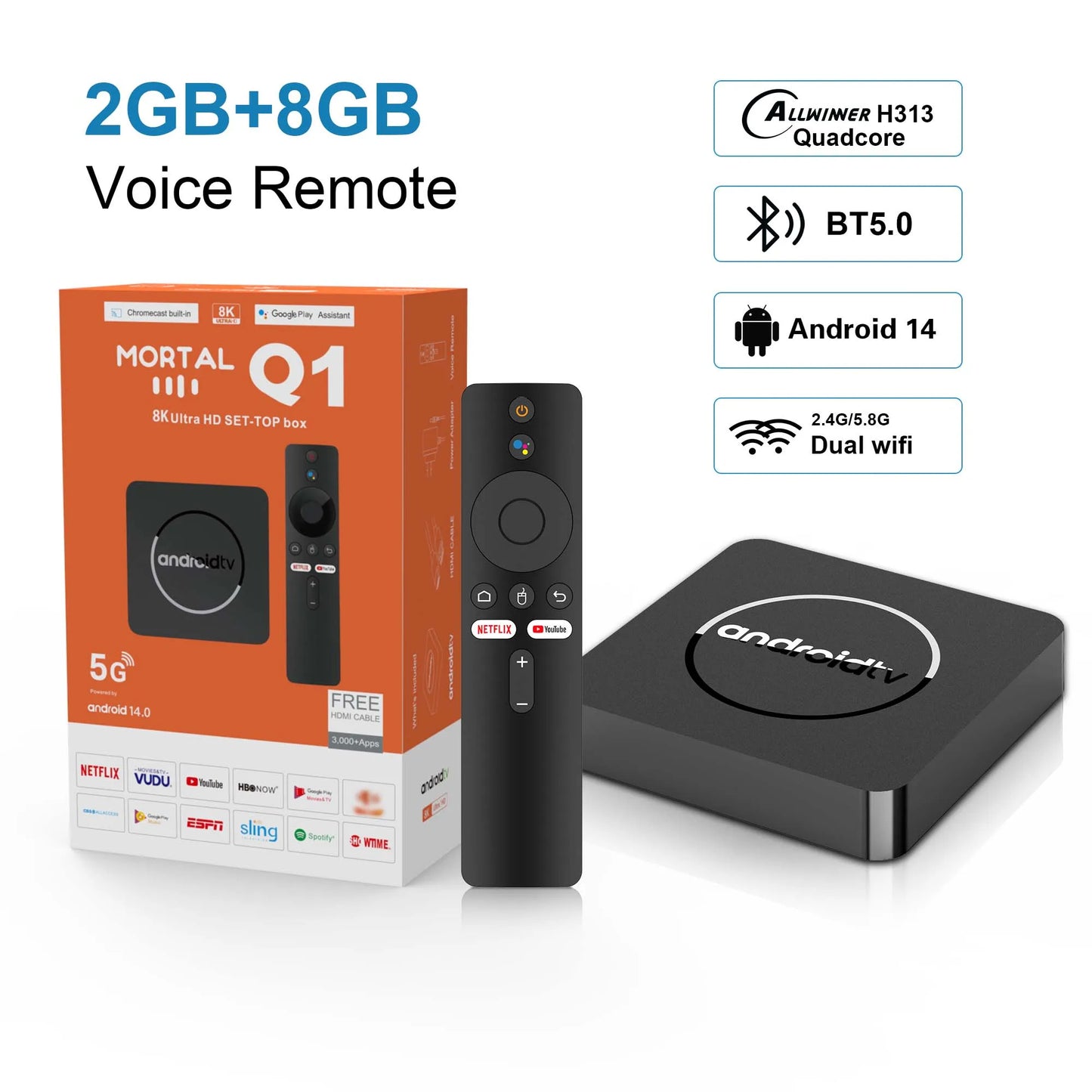
Mortal Global Version Android 14 4K HDR Smart TV Box 2GB/16GB 5G Dual Wifi BT5.2 Voice Assistant H313 Media Player Q1 ATV TV Box
Mortal Global Version Android 14 4K HDR Smart TV Box 2GB/16GB 5G Dual Wifi BT5.2 Voice Assistant H313 Media Player Q1 ATV TV Box
Couldn't load pickup availability
SPECIFICATIONS
Bluetooth: Yes
Brand Name: LVMAO
Built-in Speaker: NO
Built-in battery: NO
CPU: Allwinner H313,Allwinner H313 Quad Core
Category: Set Top Box
Certification: CE,FCC,RoHS
Choice: yes
DVB-T2 tuner: Yes
Ethernet: 100M
GOOGLE Cast: No
GPU: Quad-core Mali-450
HDR Standards: HDR10+
High-concerned chemical: None
IPTV: Yes
Inbox adaptor: Yes
Internal Storage: 8GB eMMC,16GB eMMC
Max. Extended Capacity: TF Card Up To 256GB
Memory: 2 G DDR3
OS: Android tv
Origin: Mainland China
Power (W): DC 5V,2A
Power Source: DC,DC
Remote Control: Included
Remote controller included: Yes
Supported Internet Services: Prime video,NETFLIX,Hulu Plus,BROWSER,None,hulu,YouTube,PANDORA,Other,Free Sat/Free View,Skype,Explore 3D
System: Android 13.0
USB Ports: 2x USB 2.0
Video Code: VP8,H.264/AVC,VC2/Dirac,H.265/HEVC,VC1/WMV9,Xvid,DivX,VP9,MPEG-2,MPEG-4
Video Output: HDMI-Compatible 2.0
Voice assistant built-in: No
Weight: 0.35kg
Wi-Fi Transmission Standard: 802.11ac,802.11n 2.4GHz/5 GHz,802.11n 2.4 GHz,802.11b/g,802.11a
Wireless: Yes
Android 14 TV Box with infrared control and Bluetooth streaming media player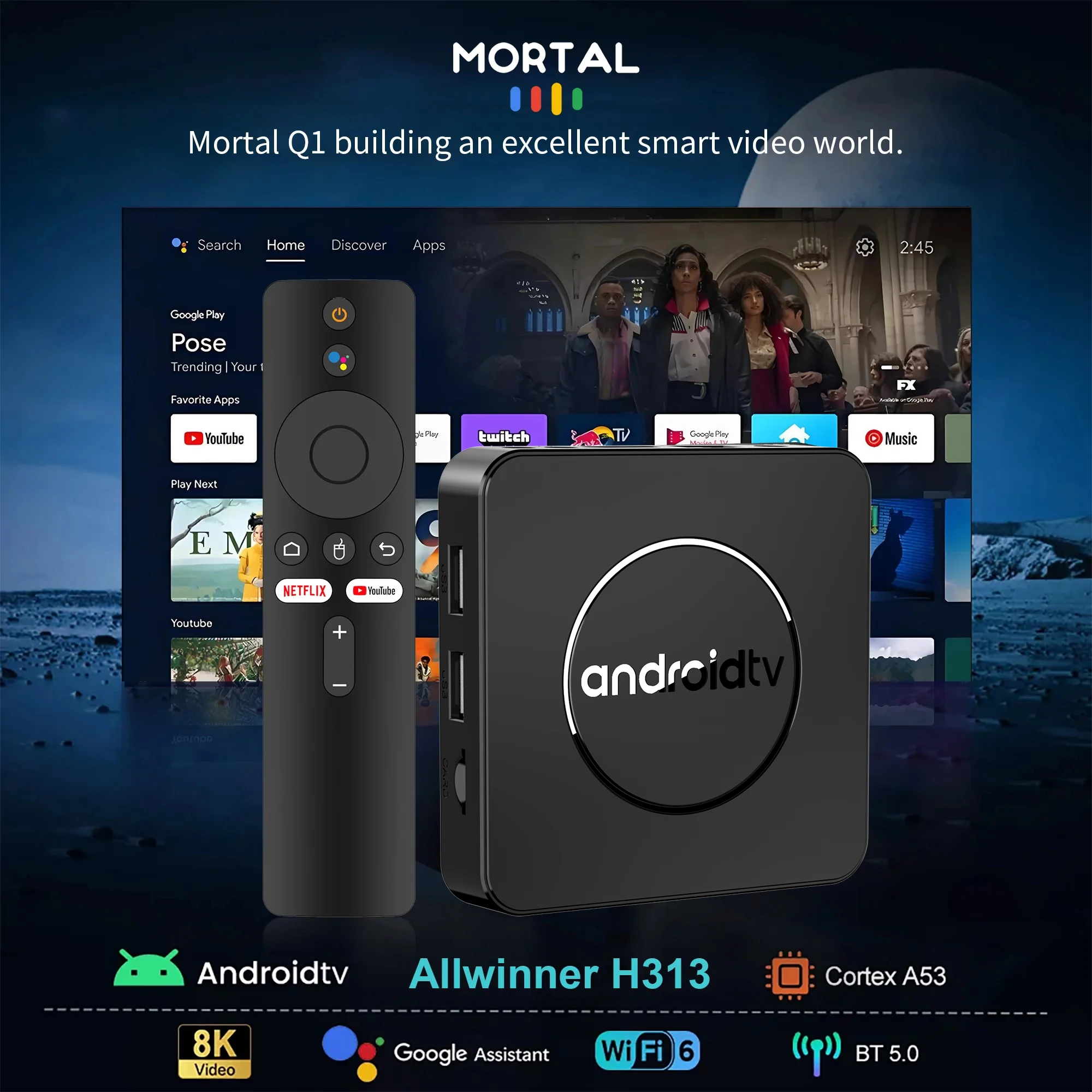
How to install Mortal Q1 TV box?
1: Connect one end of our standard HDMI cable to the HDMI port of the TV box, and the other end to the HDMI port of the TV
2: Use a 5V, 2A power plug to connect the TV box to a 100-240V power socket, and then wait for the machine to start
3: Open the network settings, connect to the network, and you can surf the Internet normally.
Please be sure to connect the HD cable to the TV box first, and then connect the power adapter to the TV box.
Please ensure that you connect the HD cable to the TV box first, and then connect the power adaptor to the TV box. Incorrect connection may cause issues such as a frozen or distorted screen, or a lack of signal.
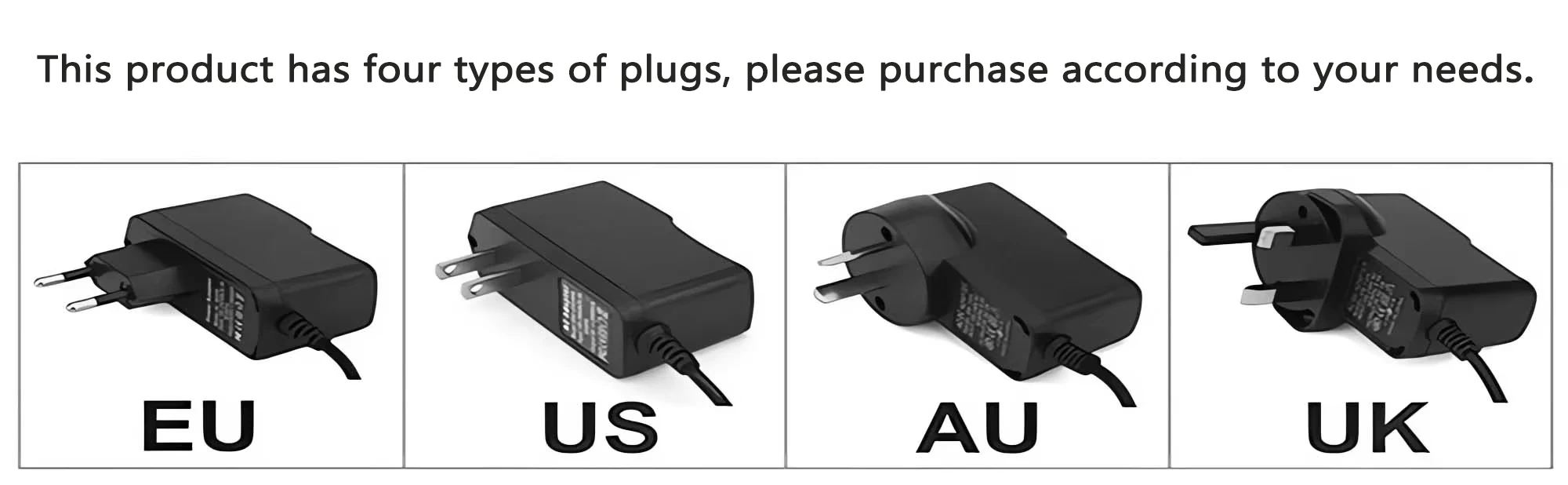
Description
Item |
Description |
|
Packing |
Product size |
92*92*17mm |
Packaged weight |
0.35kg |
|
Packing Size |
170*110*55mm |
|
Product Color |
Black |
|
System Config |
CPU |
H313 Quad core cortex-A53frequency :1.5G |
GPU |
Mali-G31 MP2 |
|
FLASH |
8/16/ GB |
|
SDRAM |
2GB |
|
Power Supply |
Power Supply |
DC 5V/2A |
Main Features |
Case |
Plastic material(Private model ) |
OS |
Android TV 14.0 |
|
WIFI |
2.4G +5.8GHZ+BT5.0 |
|
3D |
Hardward 3D graphics acceleration |
|
Support Decoder format |
VP9-10 Profile-2 up to 4K@30fps H.265 HEVC MP-10@L5.1 up to4K@60fps H.264 AVC HP@L5.1 up to 4Kx2K@30fps H.264 MVC up to 1080P @60fps MPEG-4 ASP@L5 up to 1080P@60fps (ISO-14496) WMV/VC-1 SP/MP/AP up to 1080P@60fps AVS-P16(AVS+) /AVS-P2 JiZhun Profile up to 1080P@60fps MPEG-2 MP/HL up to 1080P@60fps (ISO-13818) MPEG-1 MP/HL up to 1080P@60fps (ISO-11172) RealVideo 8/9/10 up to 1080P@60fps WebM up to VGA Multiple language and multiple format sub-title video support MJPEG and JPEG unlimited pixel resolution decoding (ISO/IEC-10918) Supports JPEG thumbnail, scaling, rotation and transition effects Supports *.mkv,*.wmv,*.mpg, *.mpeg, *.dat, *.avi, *.mov, *.iso, *.mp4, HD MPEG1/2/4,H.264, HD AVC/VC-1,RM/RMVB,Xvid/DivX3/4/5/6 |
|
Support Media format |
Avi/Rm/Rmvb/Ts/Vob/Mkv/Mov/ISO/wmv/asf/flv/dat/mpg/mpeg |
|
Support Music format |
MP3/WMA/AAC/WAV/OGG/AC3/DDP/TrueHD/DTS/DTS/HD/FLAC/APE |
|
Support Photo format |
HD JPEG/BMP/GIF/PNG/TIFF |
|
USB host |
2 USB 2.0 |
|
Card reader |
SD/SDHC/MMC cards |
|
IR extended reception |
1 port |
|
HDD file system |
FAT16/FAT32/NTFS |
|
Support Subtitle |
SRT/SMI/SUB/SSA/IDX+USB |
|
High Difinition video output |
SD/HD max. 4Kpixel |
|
OSD type of languages |
English/French/German/Spanish/Italian/ etc multilateral languages |
|
Wireless |
Built in WiFi |
|
Mouse/ Keyboard |
Support mouse and keyboard via USB;Support 2.4GHz wireless mouse and |
|
HDMI |
HDMI 2.0 up to 4K Output with HDR, CEC and HDCP 2,2, 4K@60fps resolution output |
|
4K2k hd decoding |
4K H.265 Hardware Video Decode and 4K Output |
|
1080P/AV/3G |
Support |
|
Software Specifications |
Network Function |
Miracast,Airplay,Skype,Netflix,Twitter,Picasa,Youtube,Flicker,Facebook,Online |
Other feature |
Free Internet searching,thousands of android applications,many kinds of |
|
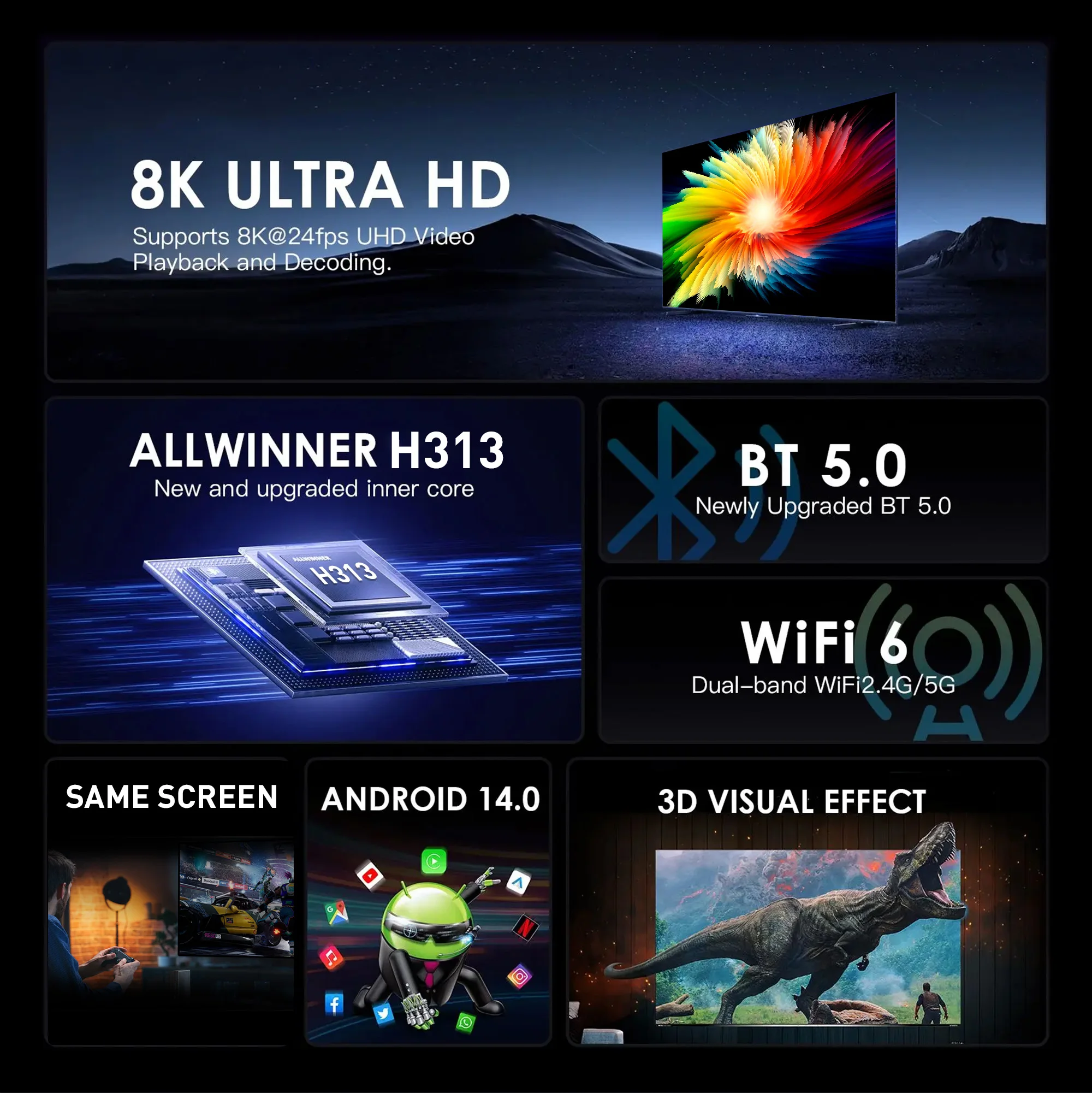
Product Applications
Watching High-Definition Videos:Supports 4K@60fps high-definition video decoding, presents delicate and realistic picture quality effects, allowing you to enjoy cinema-level viewing experience at home.
Playing Games: Supports hardware 3D graphics acceleration, making the game picture more smooth and realistic.
Browsing the Web:Built-in Chrome browser, browse the web anytime, anywhere.
Using Applications:Compatible with a large number of applications, meeting your various entertainment needs.
Office and Learning:Can connect a keyboard and mouse, making office and learning more efficient.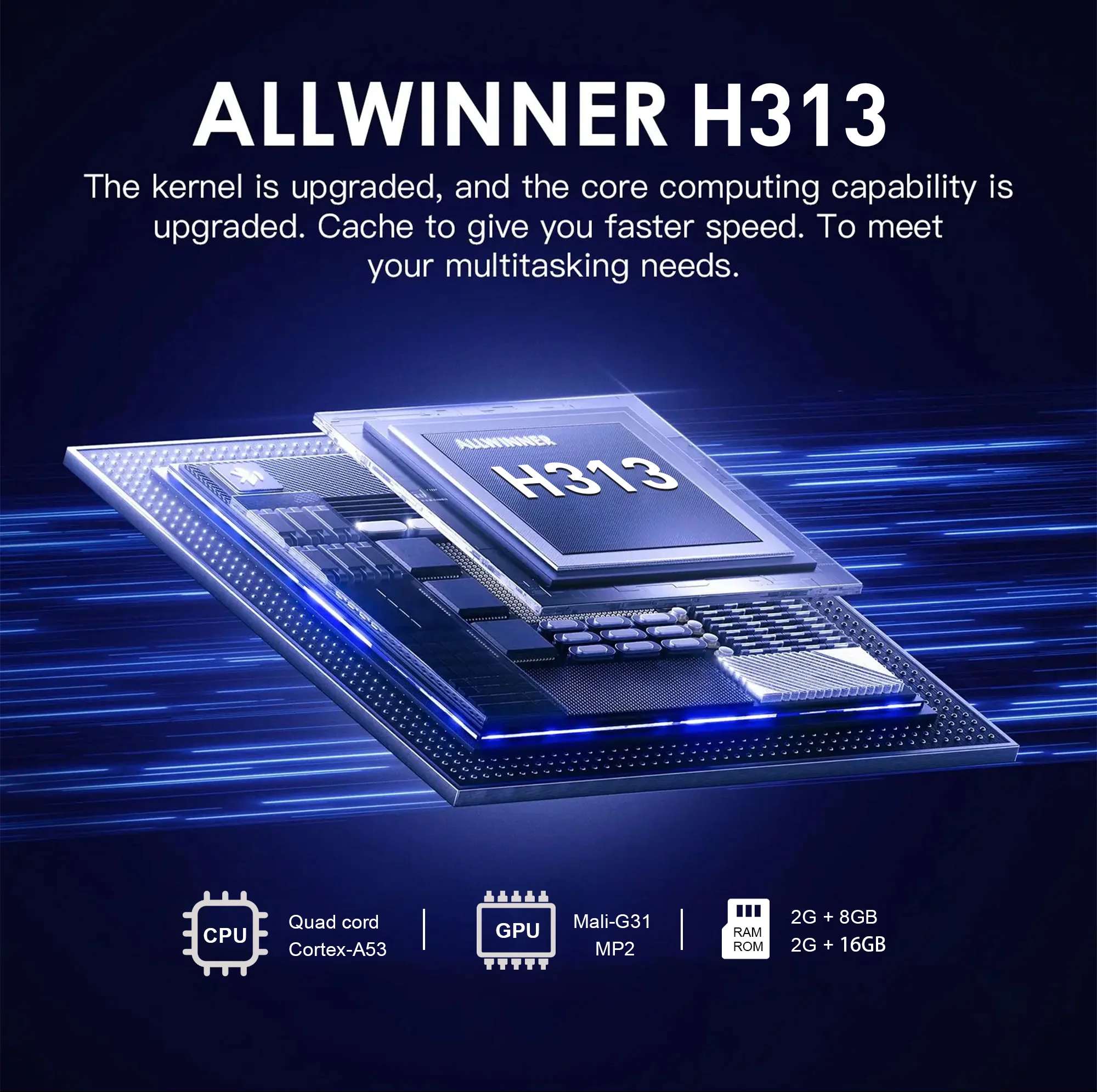
Mortal Q1 Smart TV Box is equipped with Android 14.0
Higher quality output, powerful graphics processor, stable performance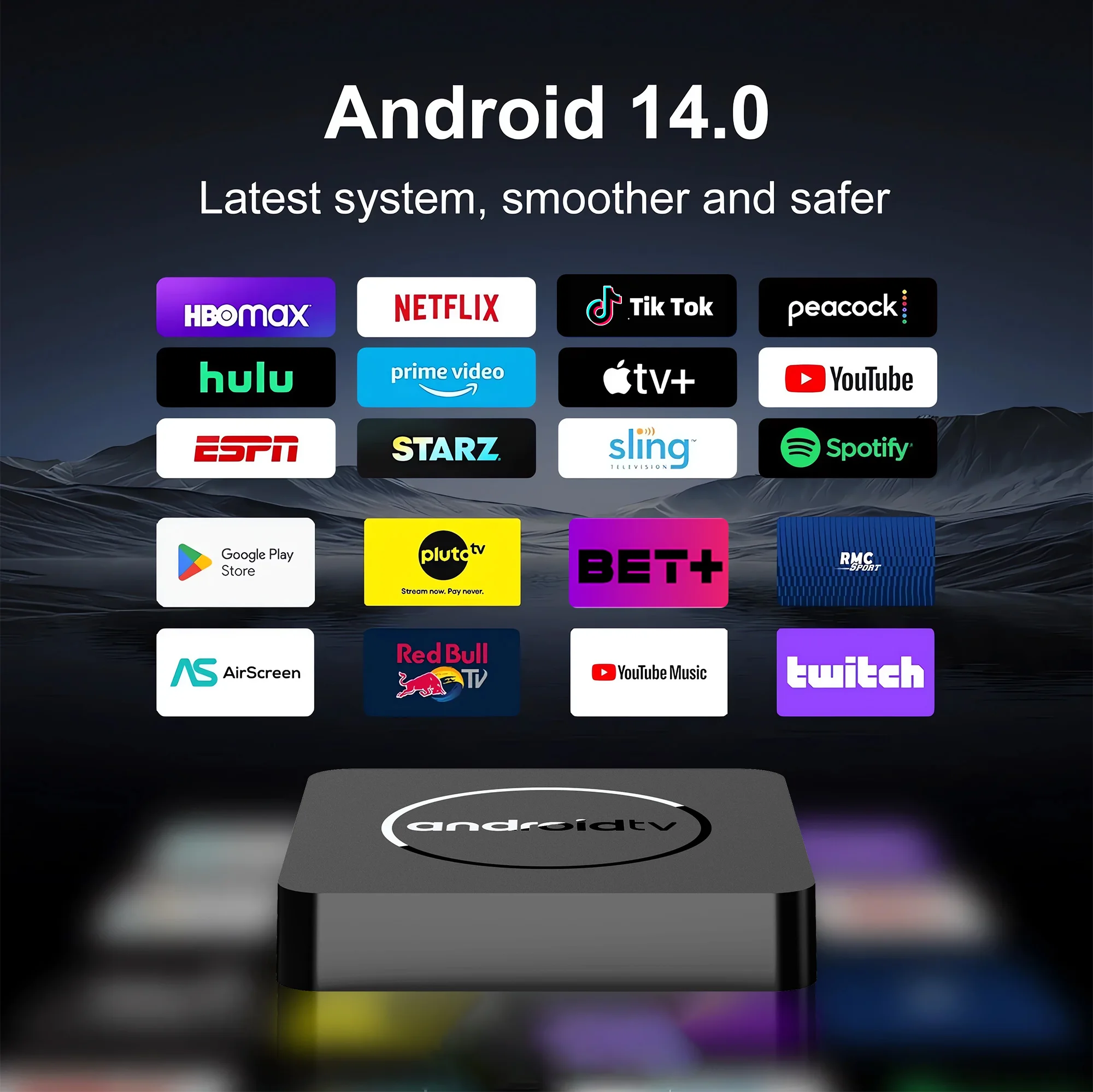
More Stable and Faster Network
It is equipped with the latest Android 14.0 operating system, which is the operating system we developed for the second time, which is very stable and friendly to application support. It is exported all over the world.Mortal Q1 is equipped with 2.4G&5.8G Wi-Fi and 100M Ethernet, so you don't have to worry about network disconnection.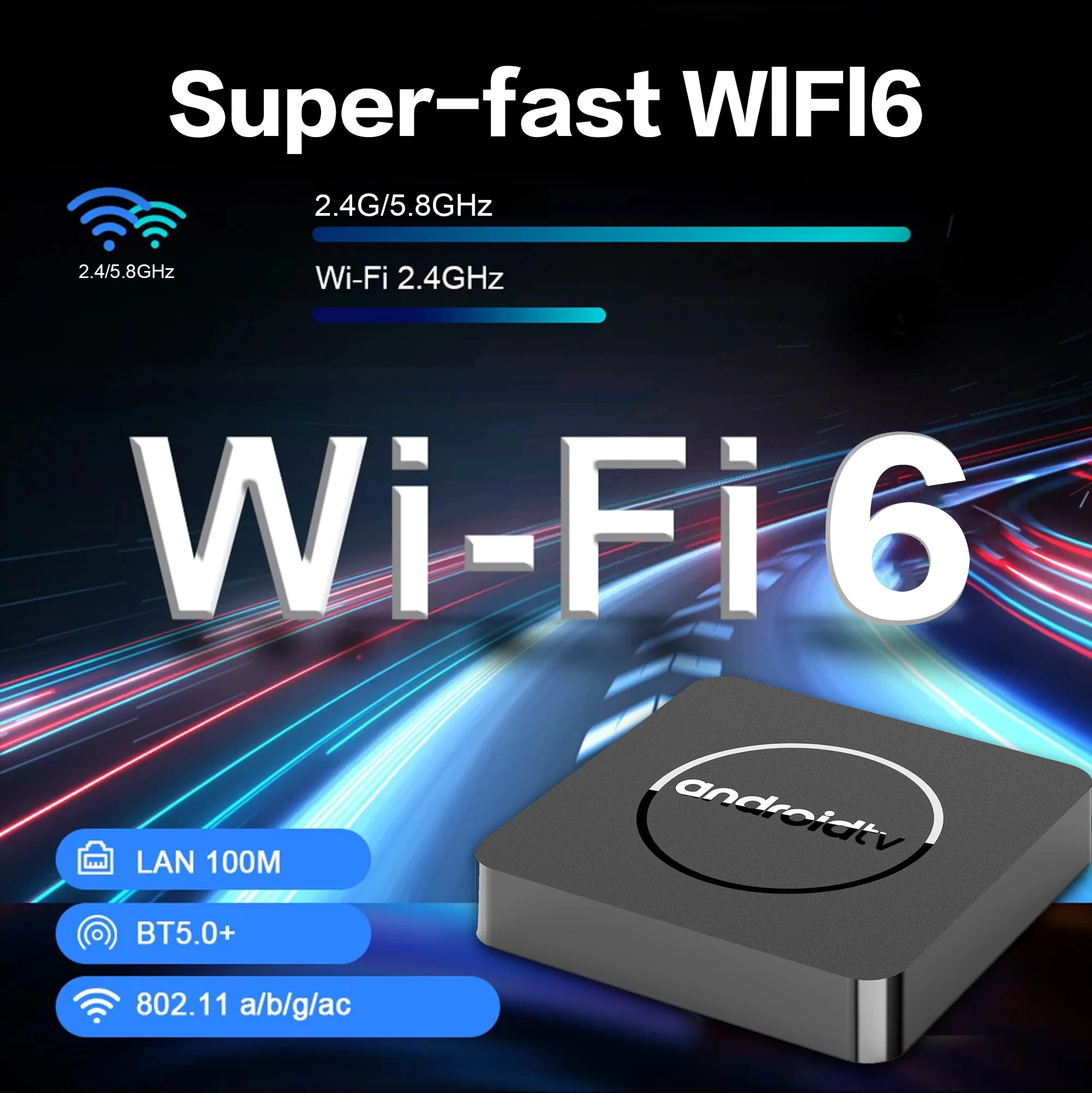
4K Experience Every Detail
The smart TV box supports 8K decoding, 4K video, and playback of almost all popular audio and video formats, making the picture display more vivid and beautiful.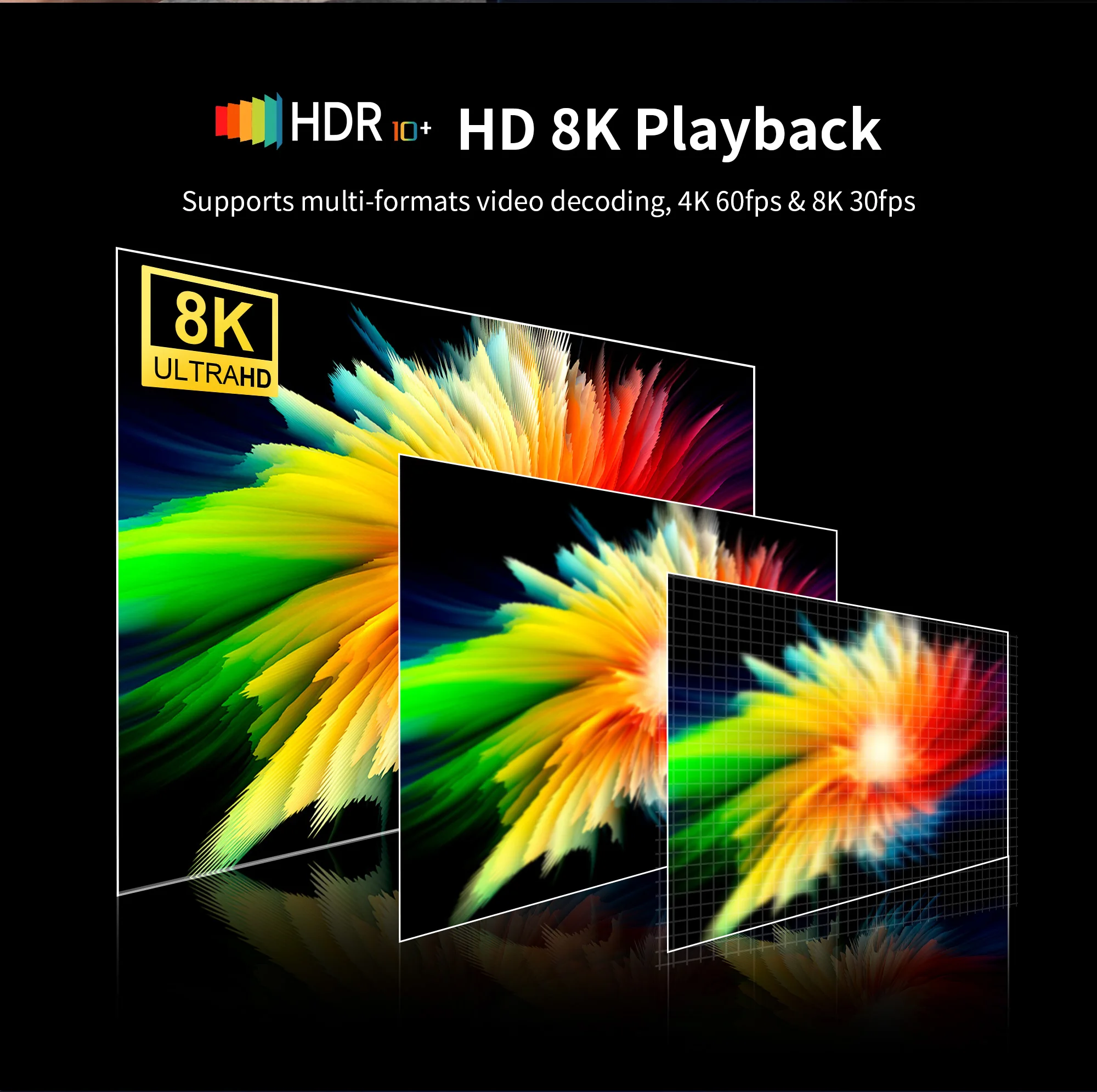
supports mirroring
The TV box supports mirroring, you can share the content of your tablet and mobile devices to the big screen, and play thousands of Android games on the ultra-high-definition big screen.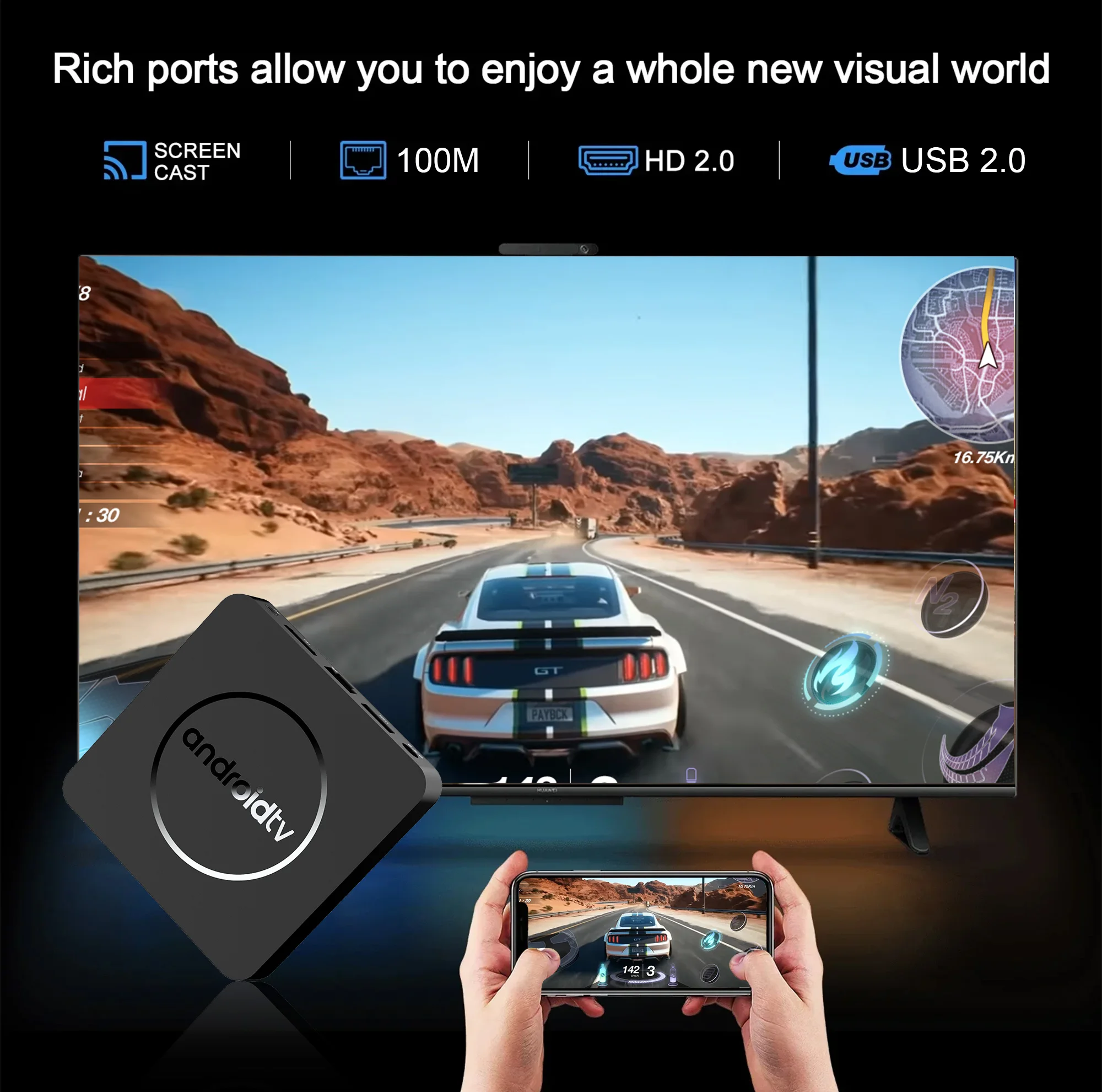
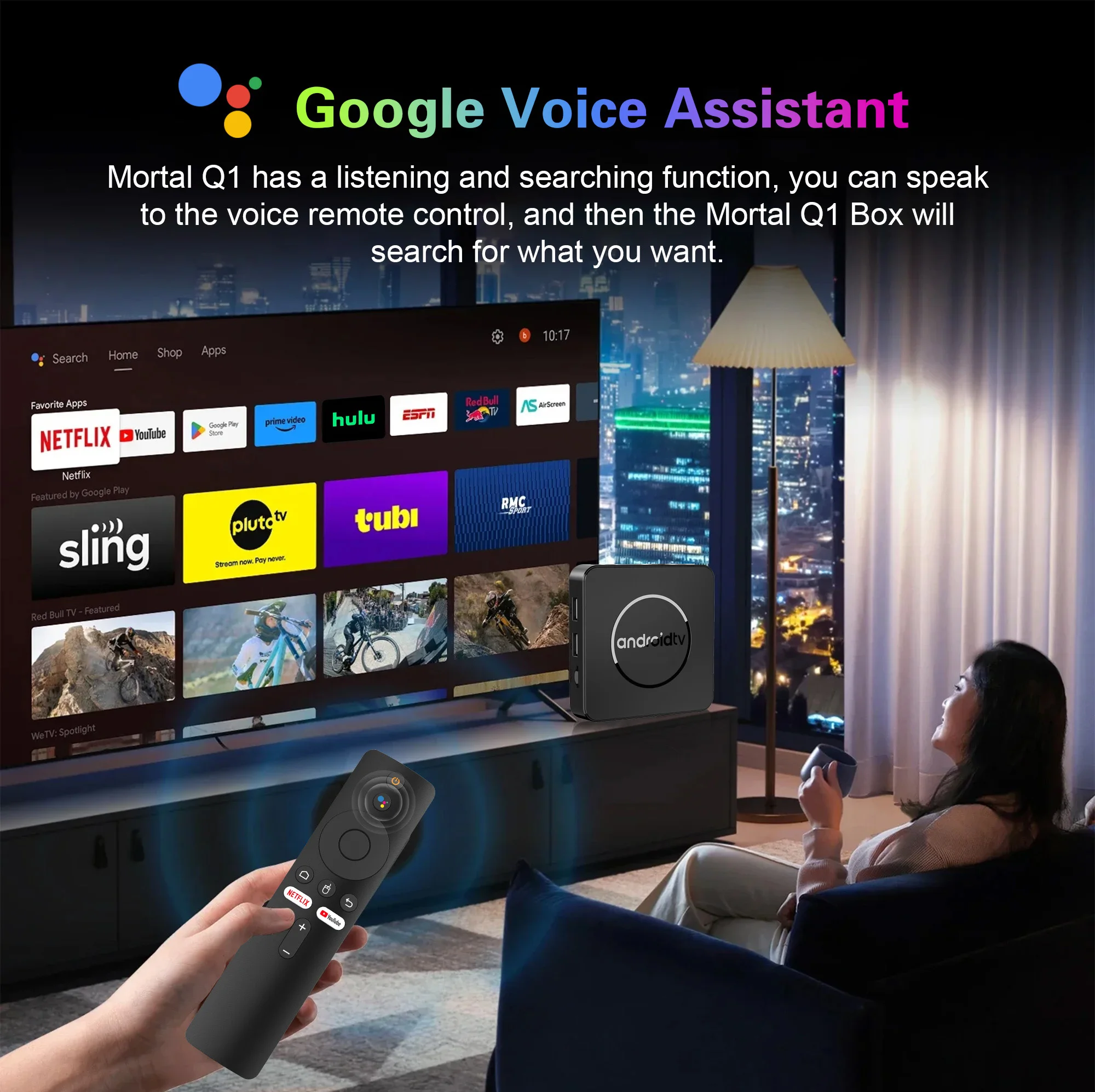
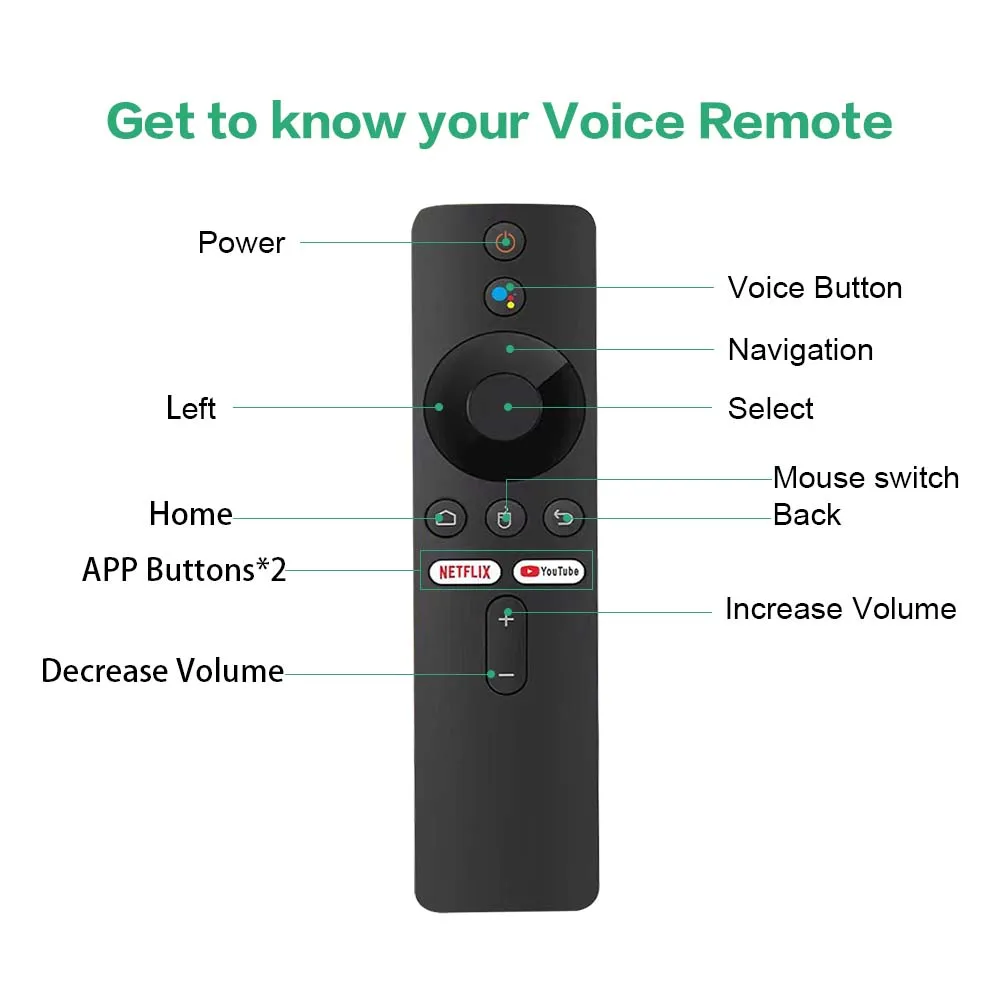
Smarter voice control
One click voice operation, say what you want.
Specifications
Memory card port, network port, HDMI port, power port, USB and other ports
Bring you a smart and colorful experience.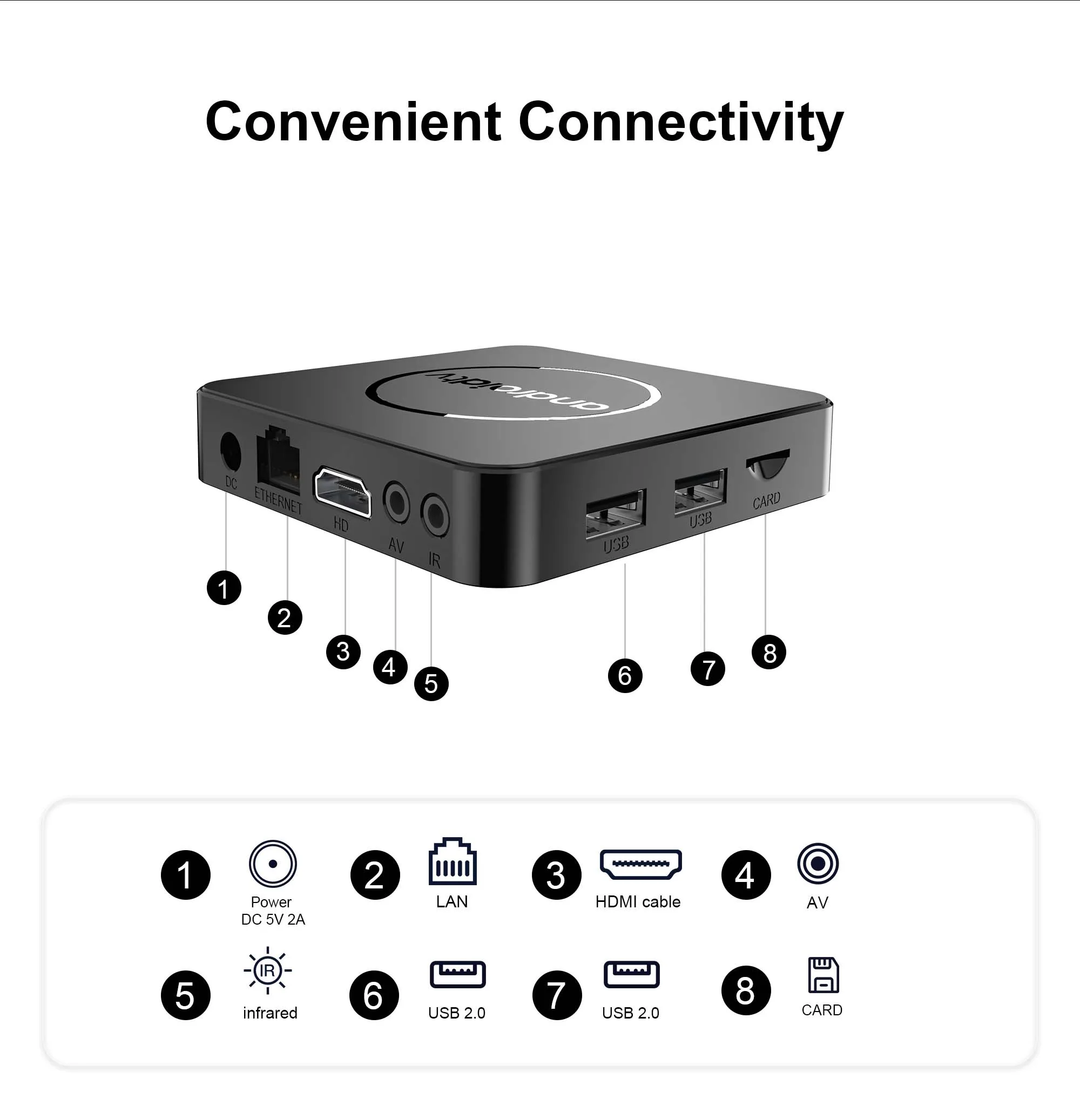
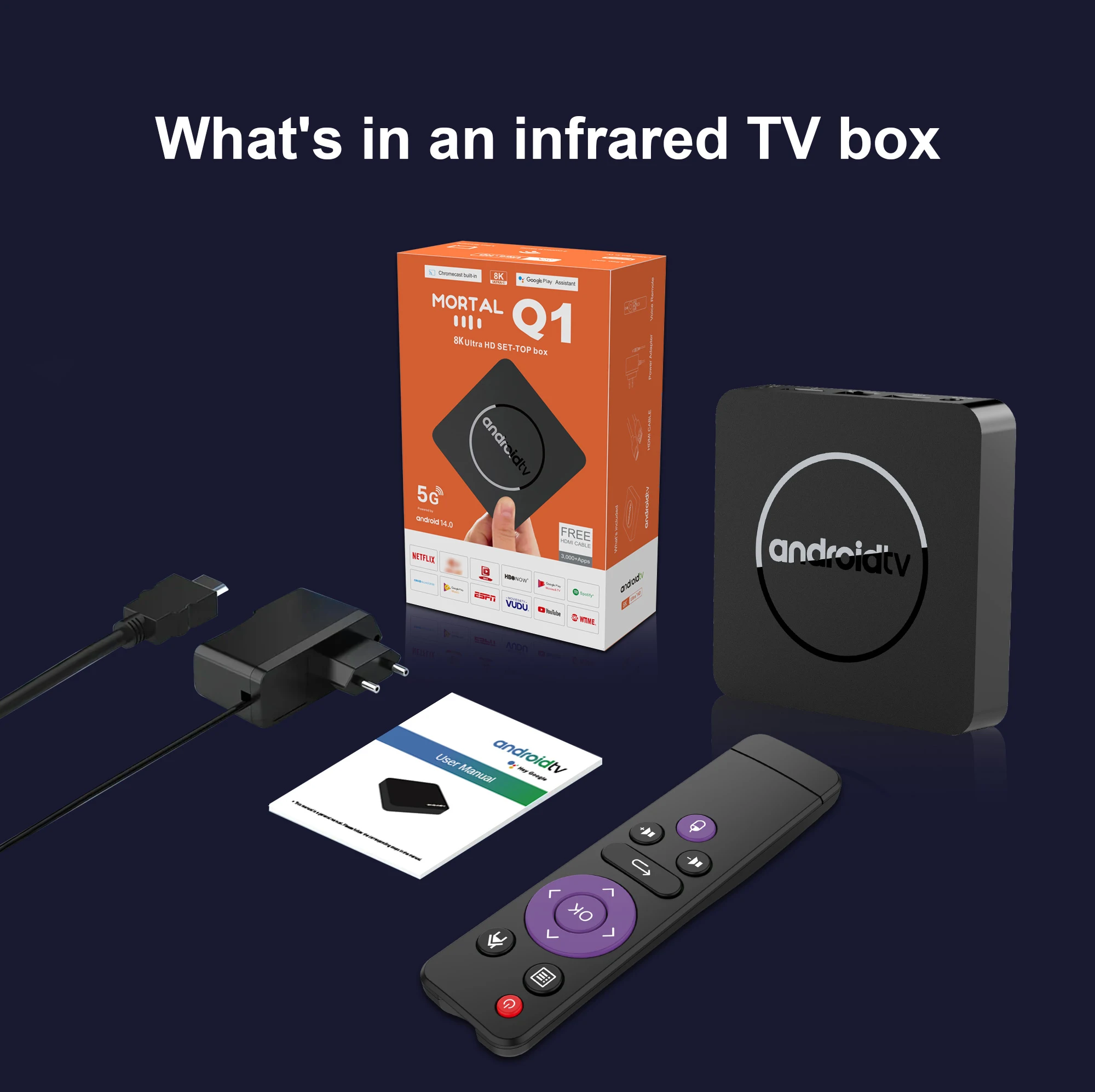
What's in the TV box
1*Mortal Q1 TV Box
1*Power adapter
1*HDMI cable
1*Voice remote control
1*manual
1*Packaging Box
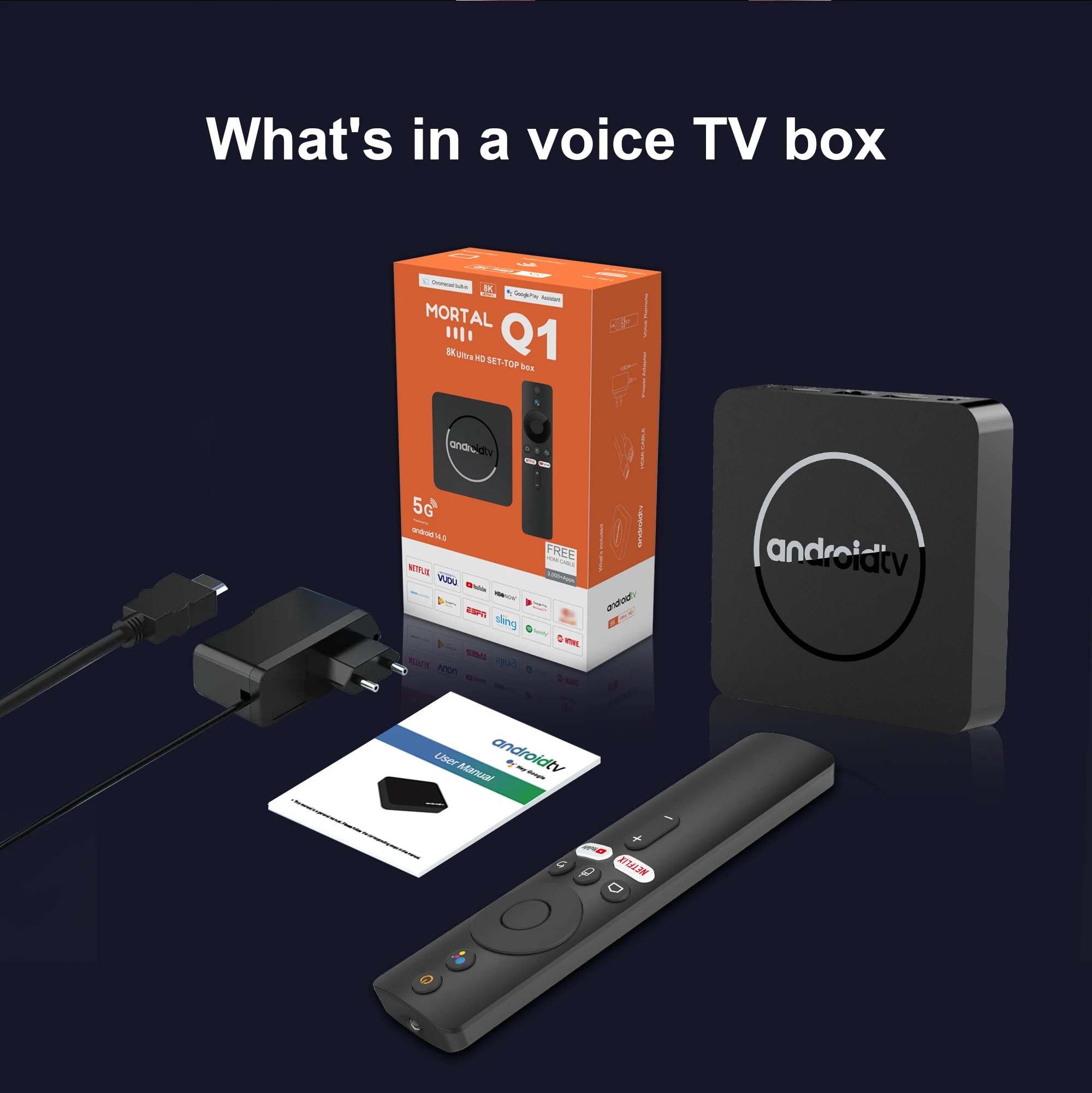
What's in the TV box
1*Mortal Q1 TV Box
1*Power adapter
1*HDMI cable
1*Infrared remote control
1*manual
1*Packaging Box