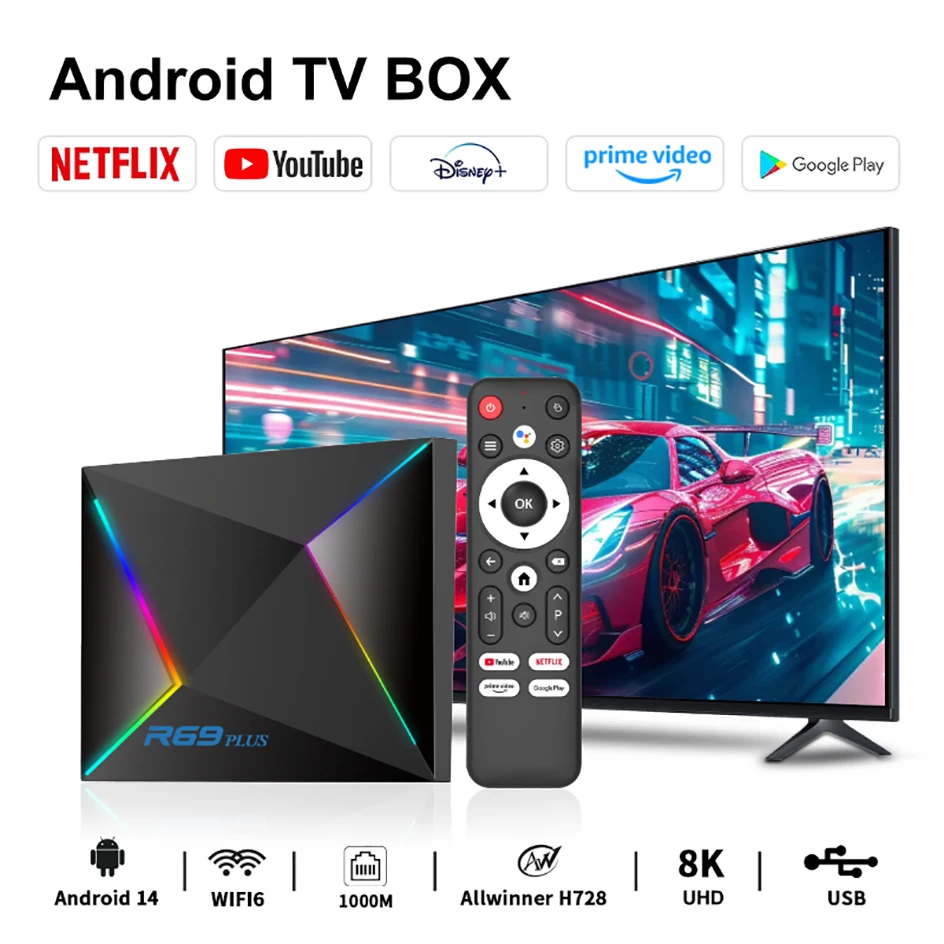
R69 plus Voice Control 8K Ultra HD TV Box Octa Core Allwinner H728 Supports Netflix WIFI 6 Set Top Box
R69 plus Voice Control 8K Ultra HD TV Box Octa Core Allwinner H728 Supports Netflix WIFI 6 Set Top Box
Couldn't load pickup availability
SPECIFICATIONS
Audio: Dolby Digital,DTS,DTS:X,Dolby TrueHD
Audio Output: Audio line out
Bluetooth: 5.0
Brand Name: R69PLUS
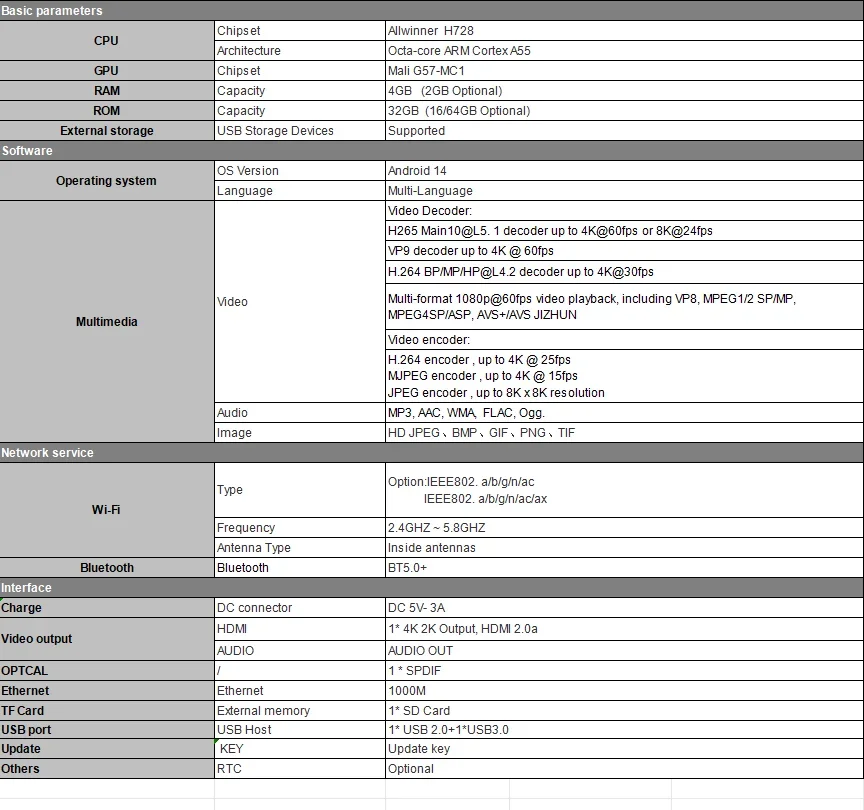
CPU: Octa-core ARM Cortex A55
Category: Set Top Box
Certification: CE,FCC,RoHS
Choice: yes
Ethernet: 1000M
GOOGLE Cast: Yes
GPU: Mali G57-MC1
HDR Standards: HLG,HDR10
High-concerned chemical: None
IPTV: Yes
Inbox adaptor: Yes
Internal Storage: 16GB eMMC,32GB eMMC,64GB eMMC
Max Output: 8K @ 60 Hz
Max. Extended Capacity: TF Card Up To 256GB
Memory: 2 G DDR3,4 G DDR3
OS: Android
Origin: Mainland China
Power (W): DC 5V,3A
Power Source: DC,DC
Remote Control: Included
Remote controller included: Yes
Supported Internet Services: Prime video,NETFLIX,Google TV,hulu,YouTube,Free Sat/Free View,Explore 3D
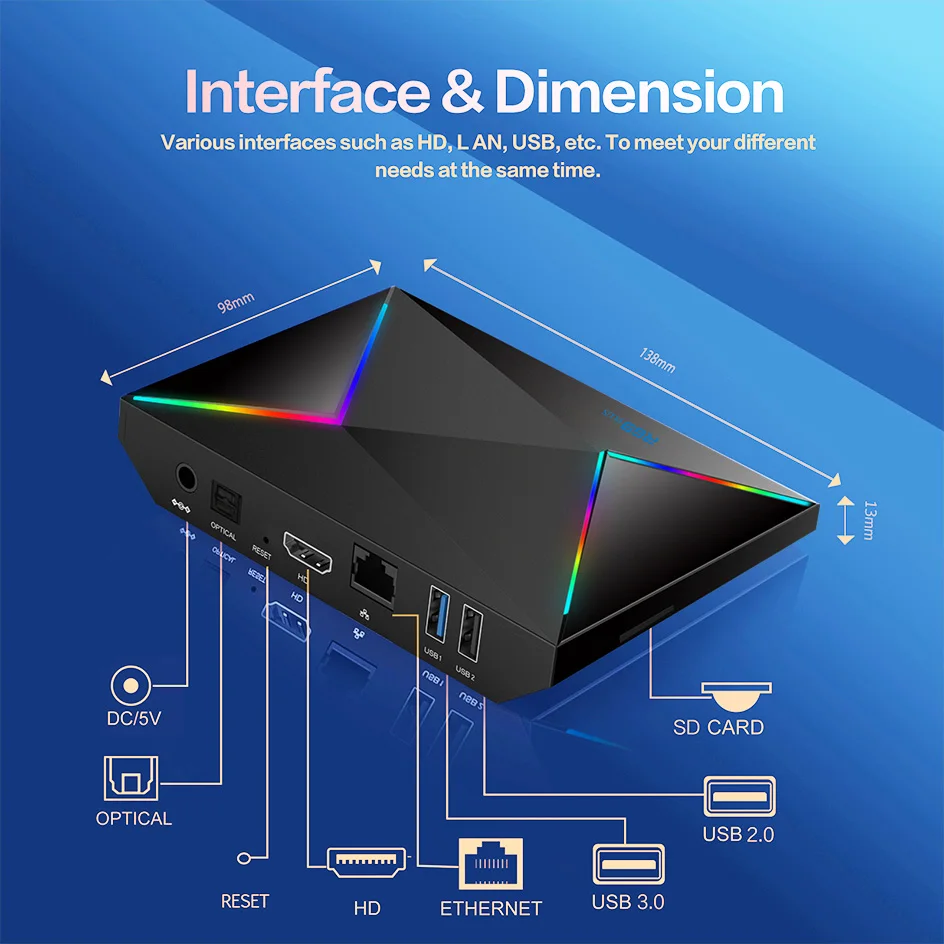
USB Ports: 1x USB 2.0,1x USB 3.0
Video Code: VP8,H.264/AVC,VC2/Dirac,H.265/HEVC,H.266/VVC,VP9,MPEG-2,MPEG-4
Video Output: HDMI-Compatible 2.0
Voice assistant built-in: Yes
Weight: 0.5kg
Wireless: Yes
R69 plus Voice Control 8K Ultra HD TV Box Octa Core Allwinner H728 Supports Netflix WIFI 6 Set Top Box
Product name: R69 Plus TV box
Operating system: Android 14
Processor chip: Allwinner H728 octa-core ARM Cortex A55
Graphics processor: Mali G57-MC1
Running memory: 2/4GB
Storage space: 16/32/64GB/128GB SD card
Memory expansion: up to 128GB (not included)
WiFi support: WIFI 6
Bluetooth version: 5.0
Voice control: support
HDMI version: HDMI 2.0
Power supply: DC 5V/3A
Support local media playback, support HDD, USB flash drive, TF card.
Application: Support Hulu, YouTube, Google and other applications
Supported languages: Chinese, English, German, Japanese, Korean, Russian, French, Spanish and other languages
How to use netflix?
1. After connecting to WiFi, open the APP, find the black Netflix software, and click to open
2. After clicking to open Netflix, the login interface will appear. Click the mouse switch button on the remote control to switch the remote control to mouse mode, and click the login button of the software
3. Click the mouse button again to switch the remote control to remote control mode, enter the account password to log in
4. Use the mouse mode of the remote control to click the video to be played
If you are experiencing slow WiFi speed
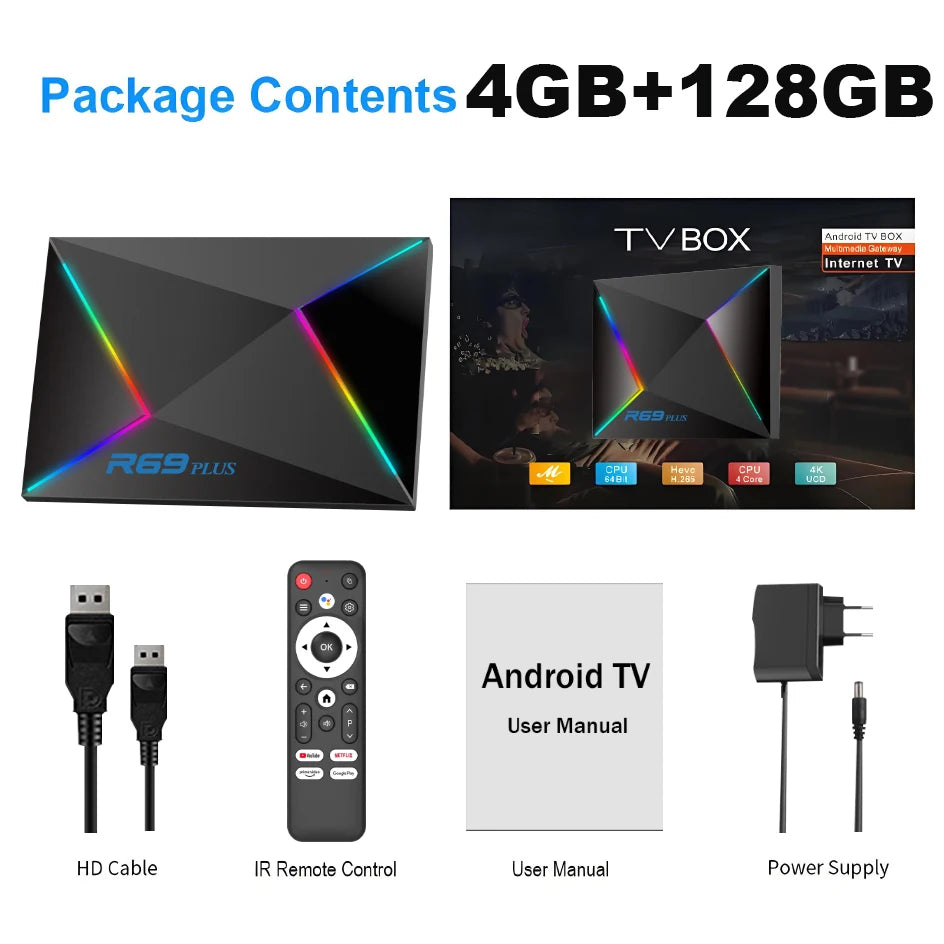
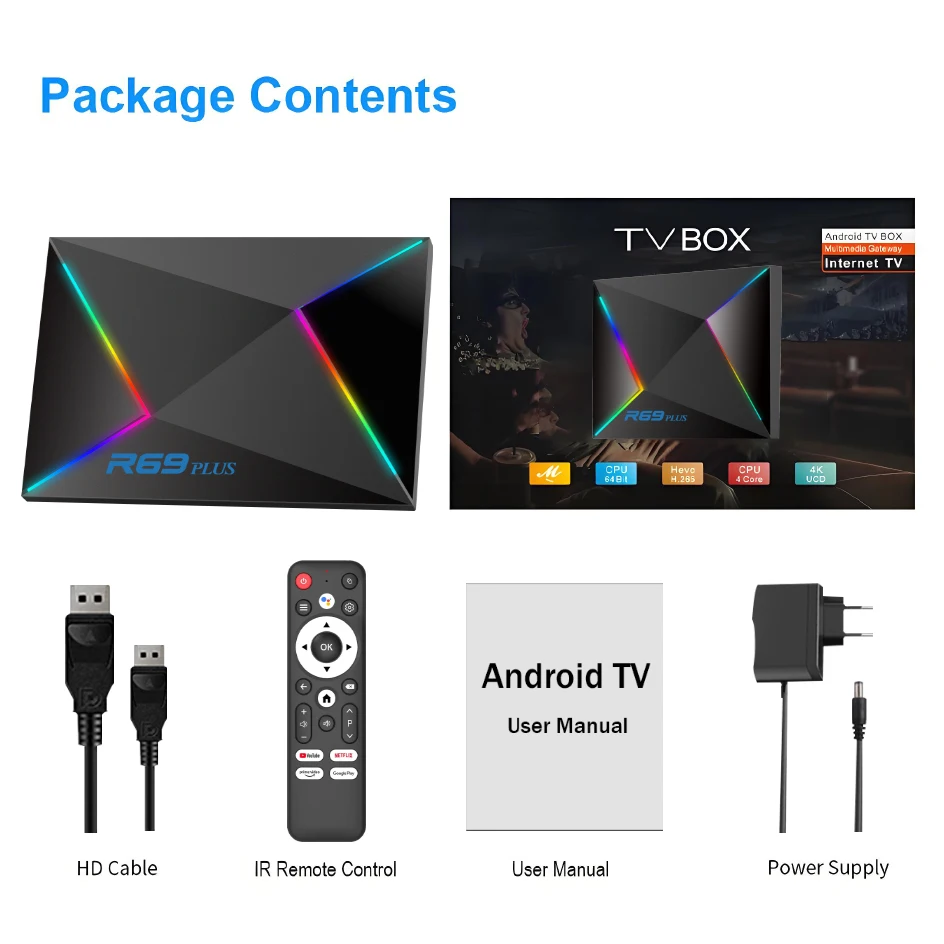
Package listing:
1 x R69 Plus TV Box
1 x Voice remote control (remote control must point to the front panel of the TV box)
1 x HD cable (if the TV shows no signal, check that the HDMI cable is correctly plugged in or switch the TV source)
1 x Power supply
1 x User's manual (multi-language manual)
1 x Retail box
Remote can't navigate on some Apps
It is a common issue for most of android tv box that hard to navigate on some Apps with the remote, as these Apps are mainly provided for tablets and phones that have touch screen settings or mouse. You can connect a mouse or a wireless keyboard to control it.Or click the mouse button on the remote control to switch the remote control mode to the mouse mode
If your TV box needs to be restarted after a period of using
it may be that some apps you installed are not compatible or some data is damaged. It is recommended that you “factory data recovery” in the settings.
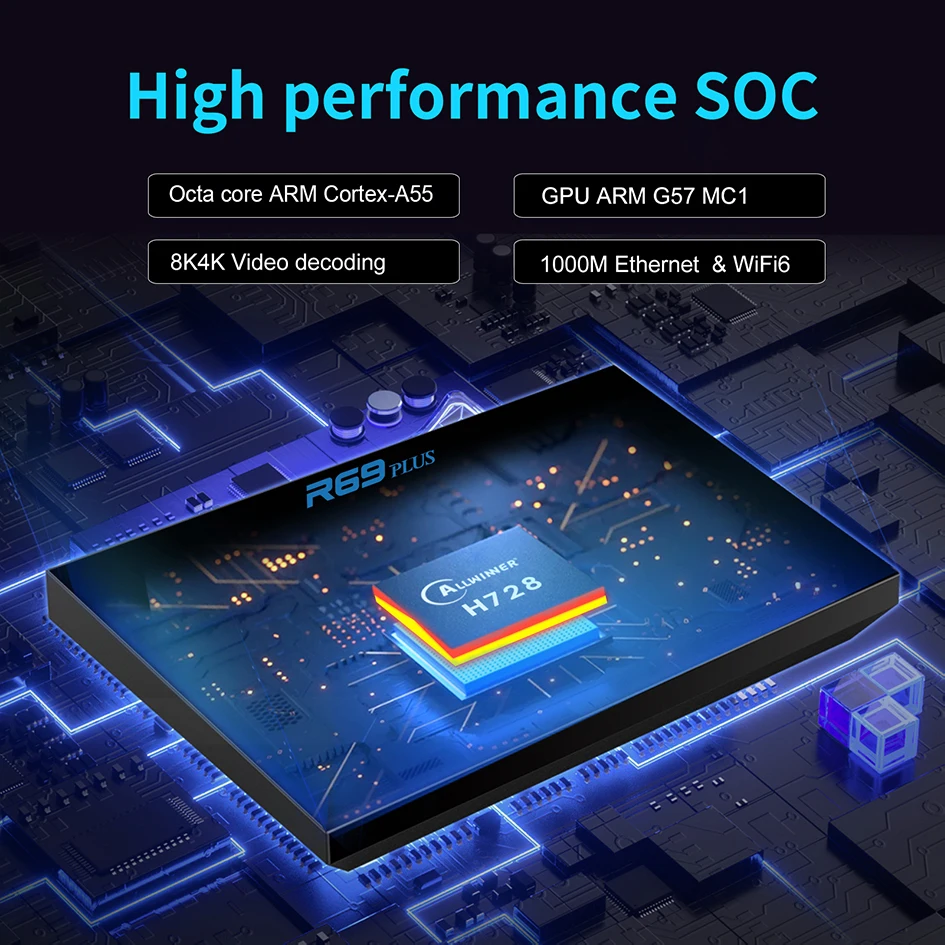
Octa-core ARM Cortex A55
The TV box is equipped with a high-end octa-core ARM Cortex A55 processor to ensure smooth and seamless playback of your favorite shows and movies.
Dual WiFi 6 & 1000M Ethernet & BT 5.0
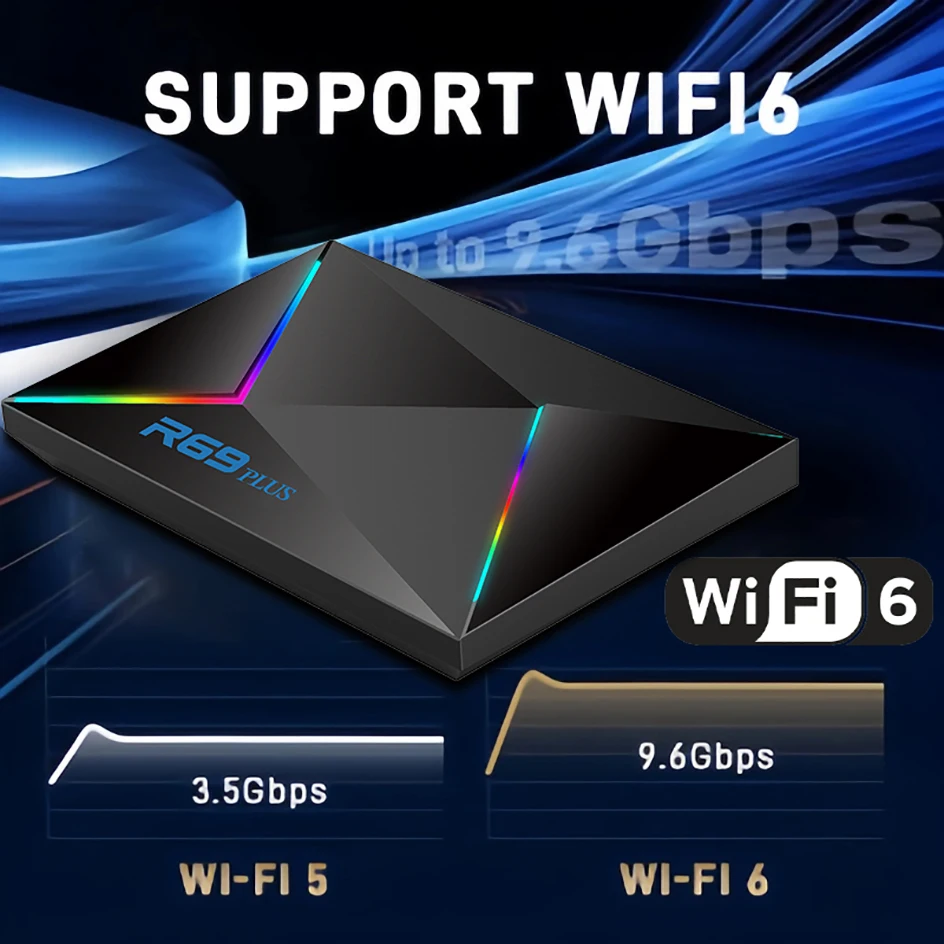
The android tv Box 14.0 supports WIFI 6 and 10/100/1000Mbps Ethernet LAN, providing more stable, super-fast and stronger WiFi signal to stream the high quality image, reducing freeze and buffer. BT 5.x provides convenient connection with wireless devices,such as the wireless keyboard,the wireless mouse,Bluetooth Speaker and transfer files,make your life smarter.
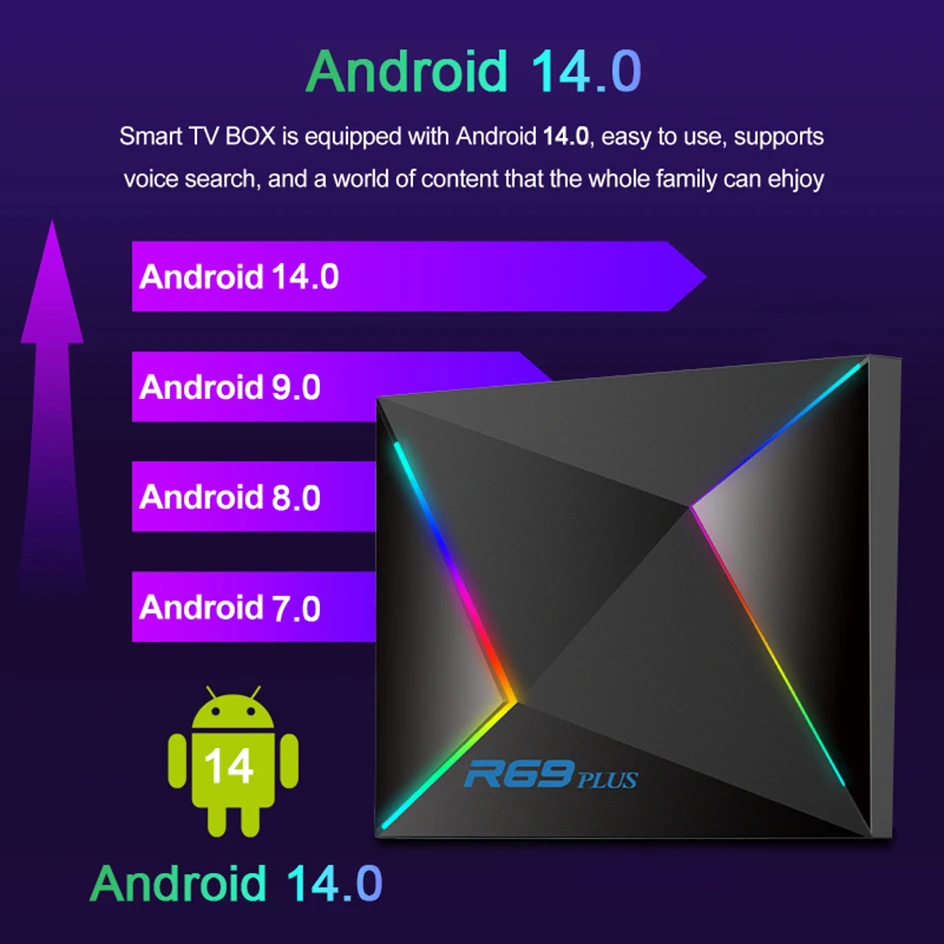
Android 14.0 OS & H728 Chipset & 64bit OS
R69 Plus android tv box equipped with the latest android 14.0 OS and powered by the strongest H728 in the Allwinner chipset series.Octa-core ARM Cortex A55 CPU, Mali G57-MC1 GPU, which ensure the android 14 tv box play a perfect performance in loading software, video,games and applications. Giving a better user interface and user experience.The 64bit Android OS is compatible with more high-performance apps.
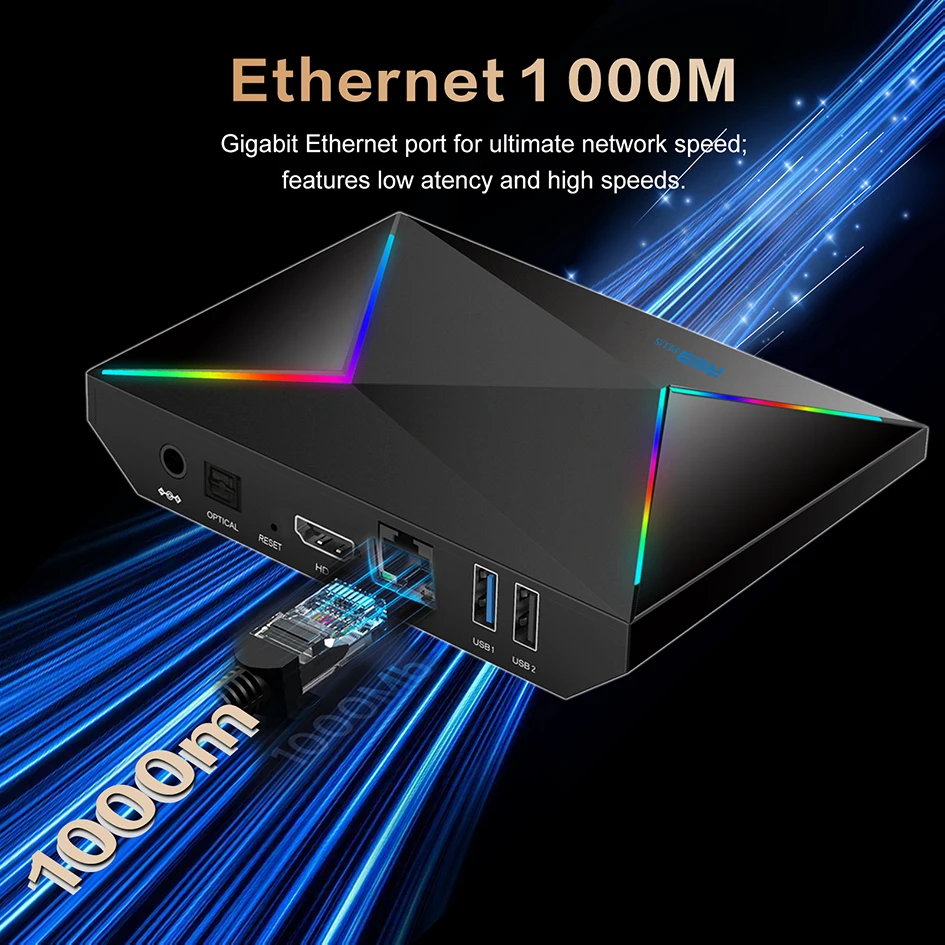
Ethernet 1000M
Indicates that the TV box supports Gigabit Ethernet connection, providing a stable and fast wired network experience
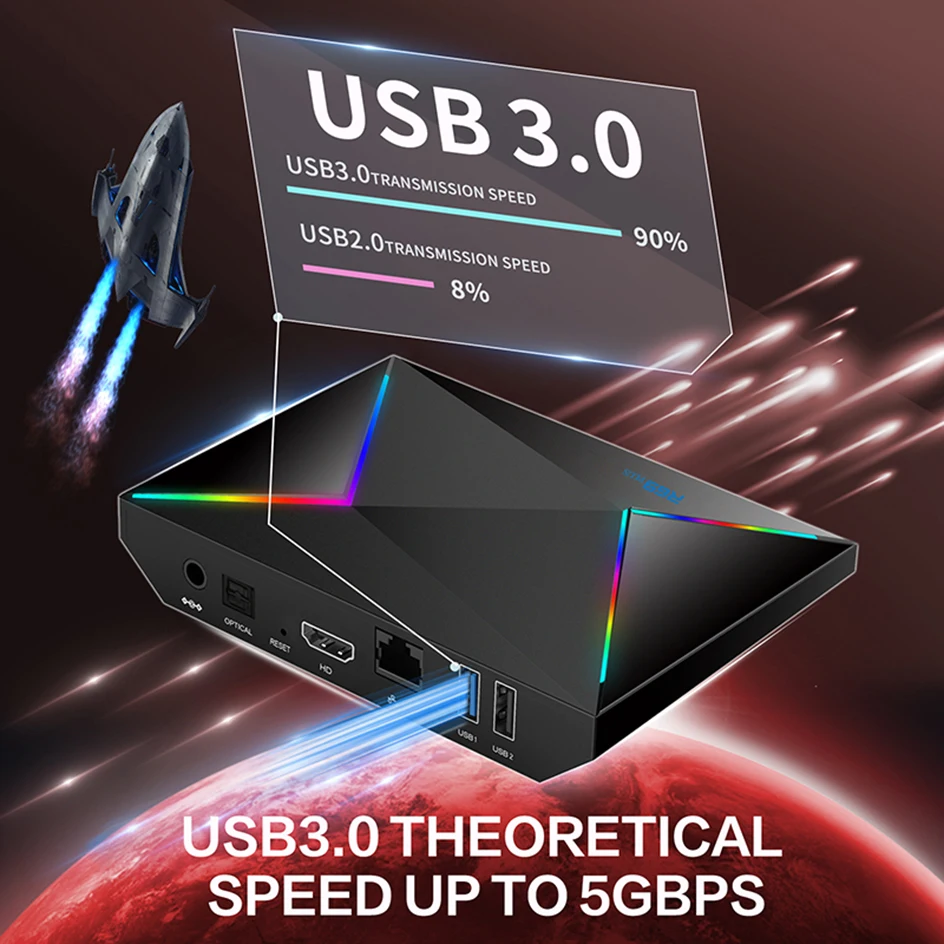
Mirroring Cast & 1*USB2.0 & 1*USB3.0
The tv box supports Mirroring Cast, Wonderful multi-screen interaction,support mobile phones,tablets,etc. to put videos and photos on the big screen of the TV to share wonderful moments.What is more, one USB 2.0 and one USB3.0 ports are convenient to use, allowing for simultaneous insertion of a USB drive and mouse without the need for USB expansion.
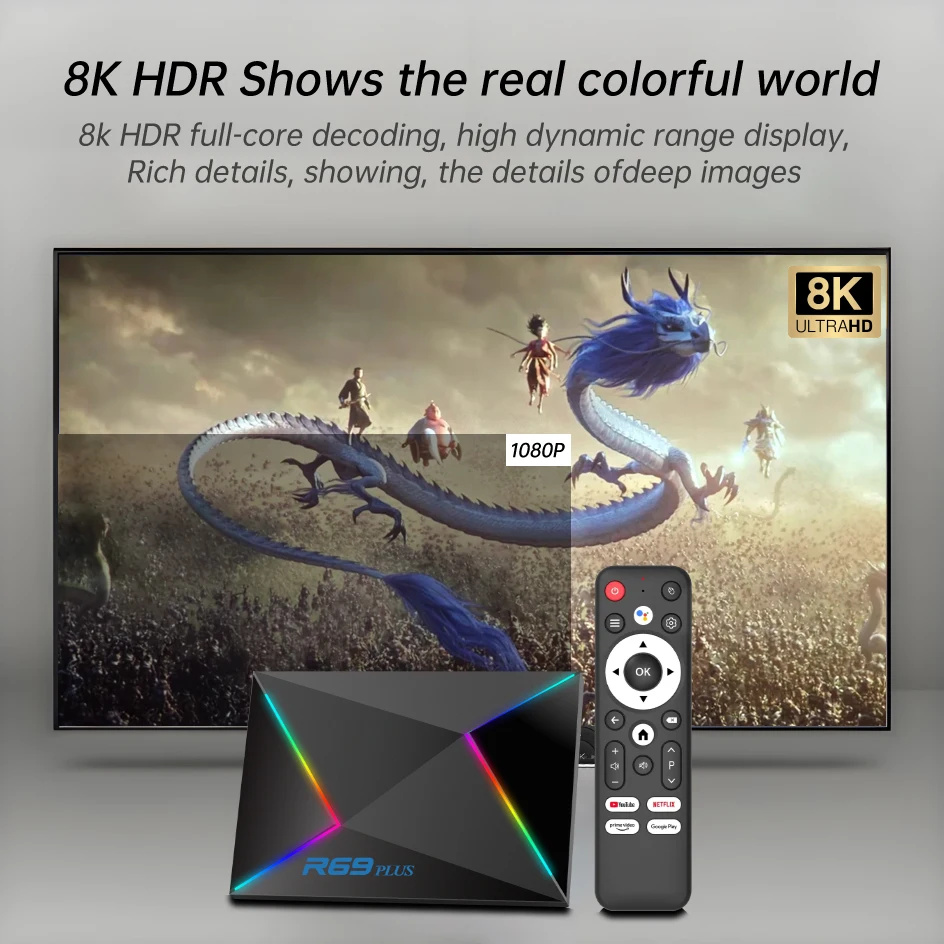
8K HDR Shows the real colorful world
Indicates that the TV box supports 8K resolution, which can provide extremely high picture quality and is suitable for high-end TVs.
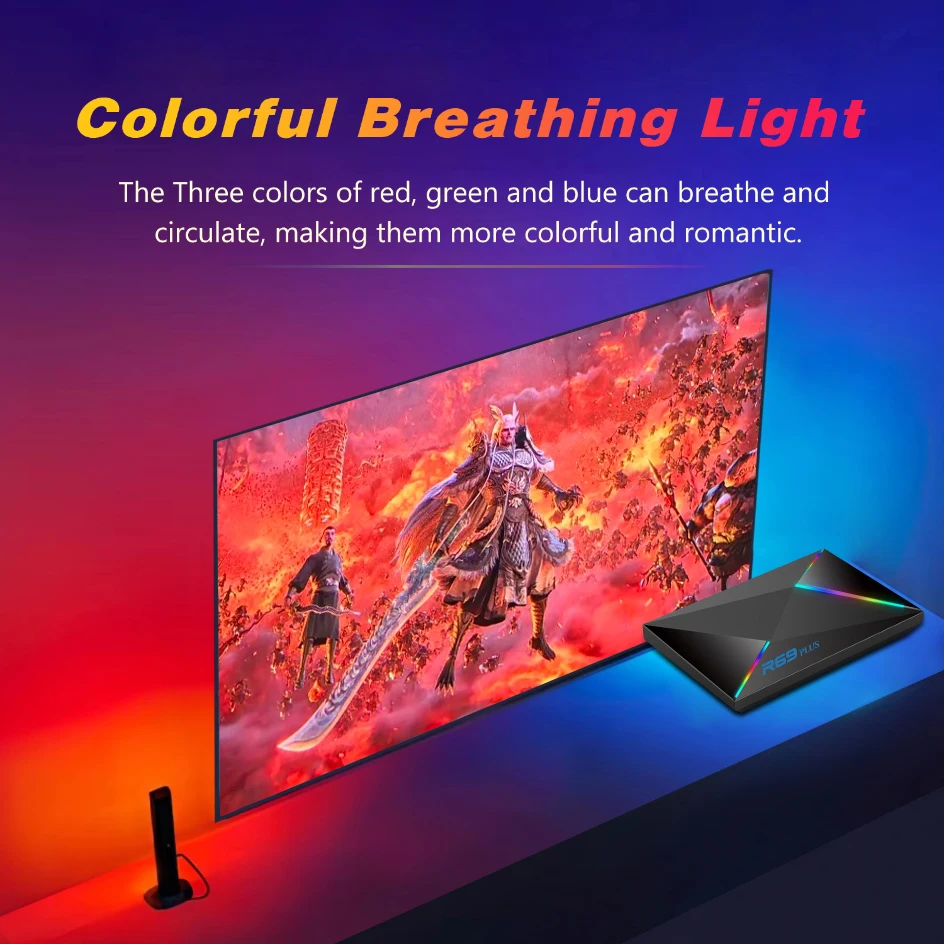
Colorful Breathing Light
The Three colors of red,greenand blue can breathe and circulate, making them more colorful and romantic.
Notice
Notice: Please use the cable provided by us, do not change the cable at will, in order to avoid the machine cannot be turned on
If the tv box restart again and again after a few seconds or minute,or front panel lingts in red, the problem is your TV's output Voltage and current are not 5V/3A,you can use a 5V/3A adapter to power it.it will be fine.
If the TV shows no signal after the machine is plugged into the power supply and HDMI cable, please check whether the HDMI cable is loose or the signal source is not switched after confirming that the power supply is normal.
If the TV shows no signal after the machine is plugged into the power supply and HDMI cable, please check whether the HDMI cable is loose or the signal source is not switched after confirming that the power supply is normal.